
Our Blog
Learn about Mail Sweeper and other topics for managing email effectively.

Ryan Anderson
Email Management
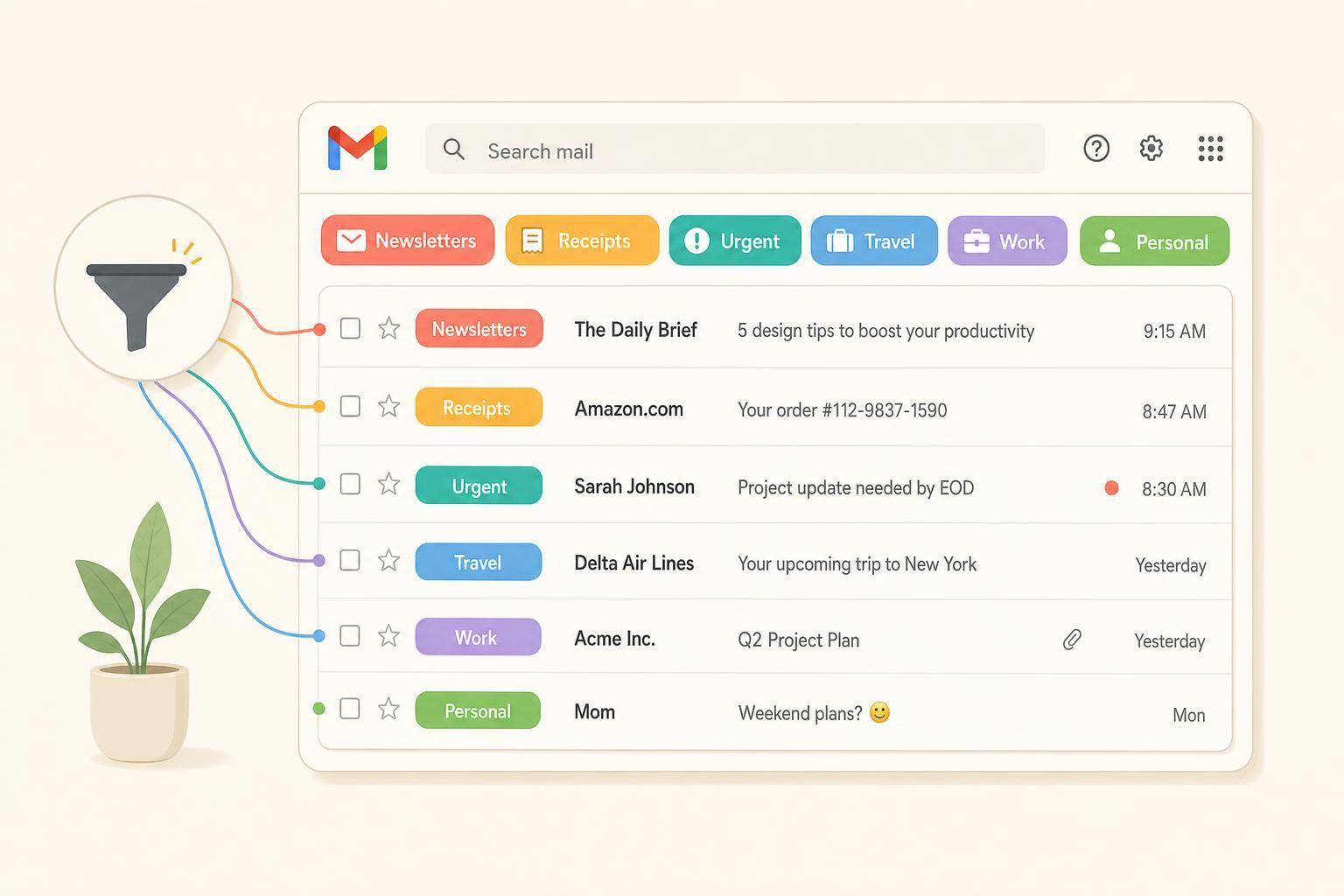
How to Organize Your Gmail Inbox (Labels, Filters, Categories)
Ryan Anderson
Email Management
How to Delete All Gmail Emails at Once (Safely)
Ryan Anderson
Email Management
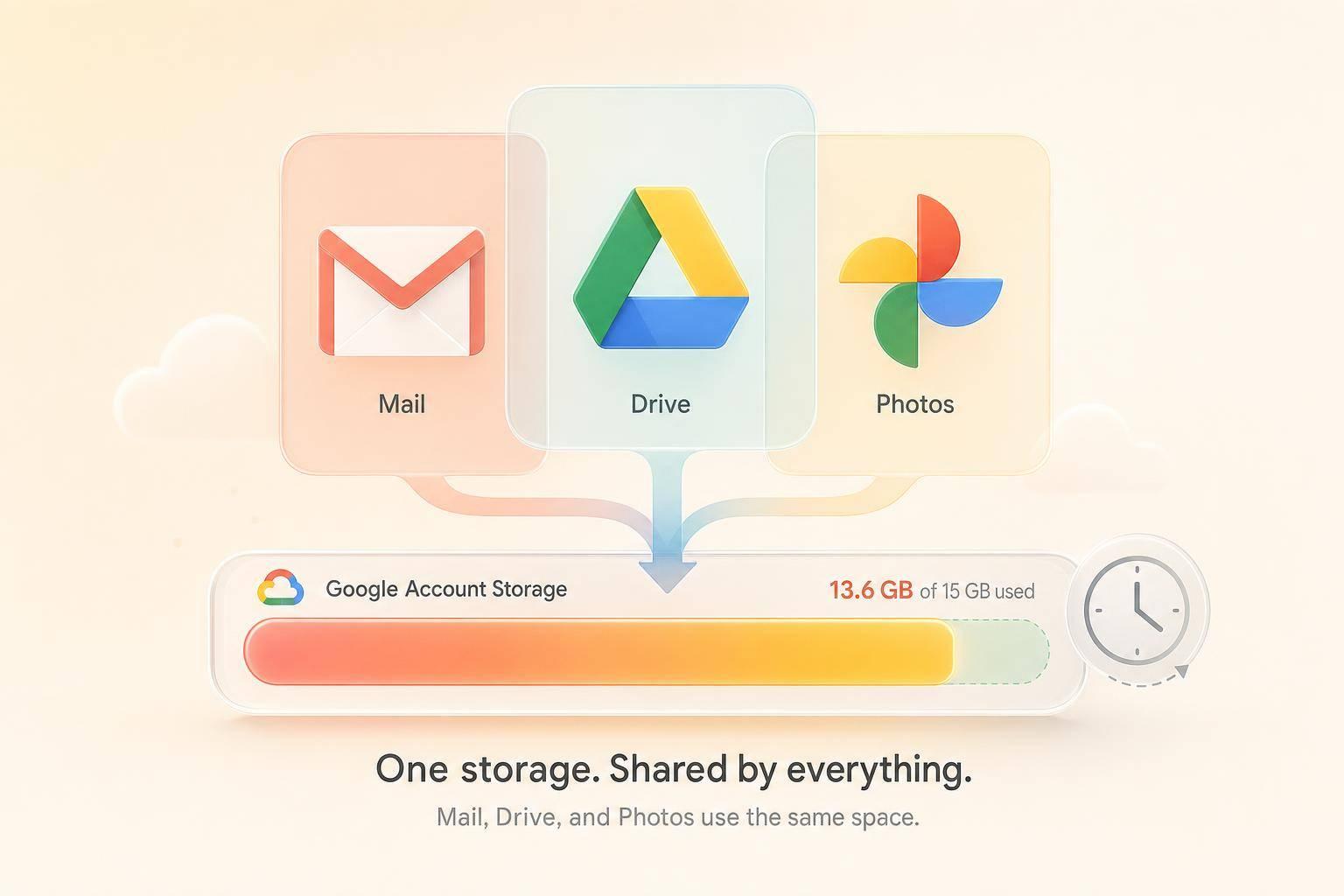
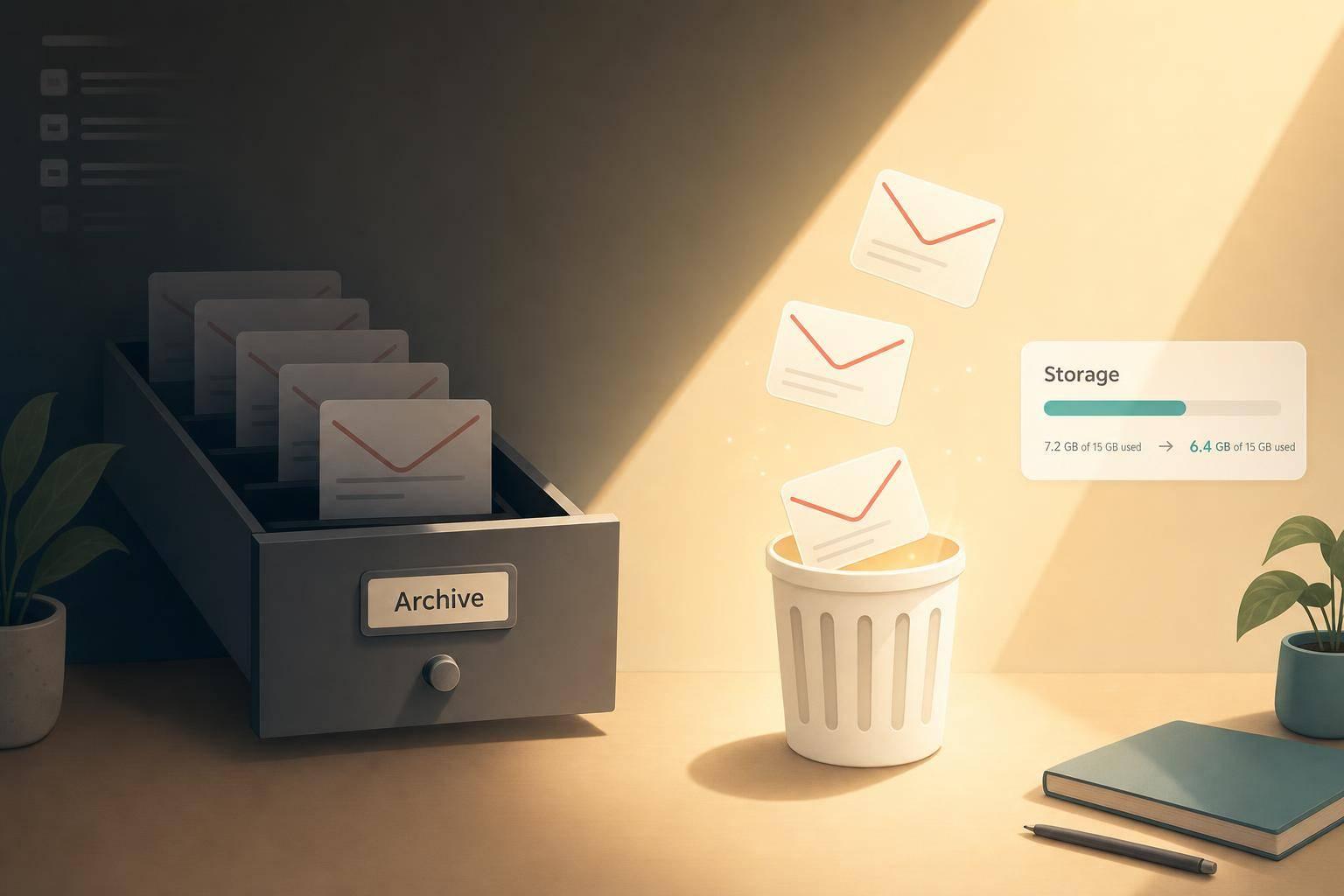
Gmail Storage Full but I Deleted Everything? Here's Why
Ryan Anderson
Ryan Anderson
Email Management
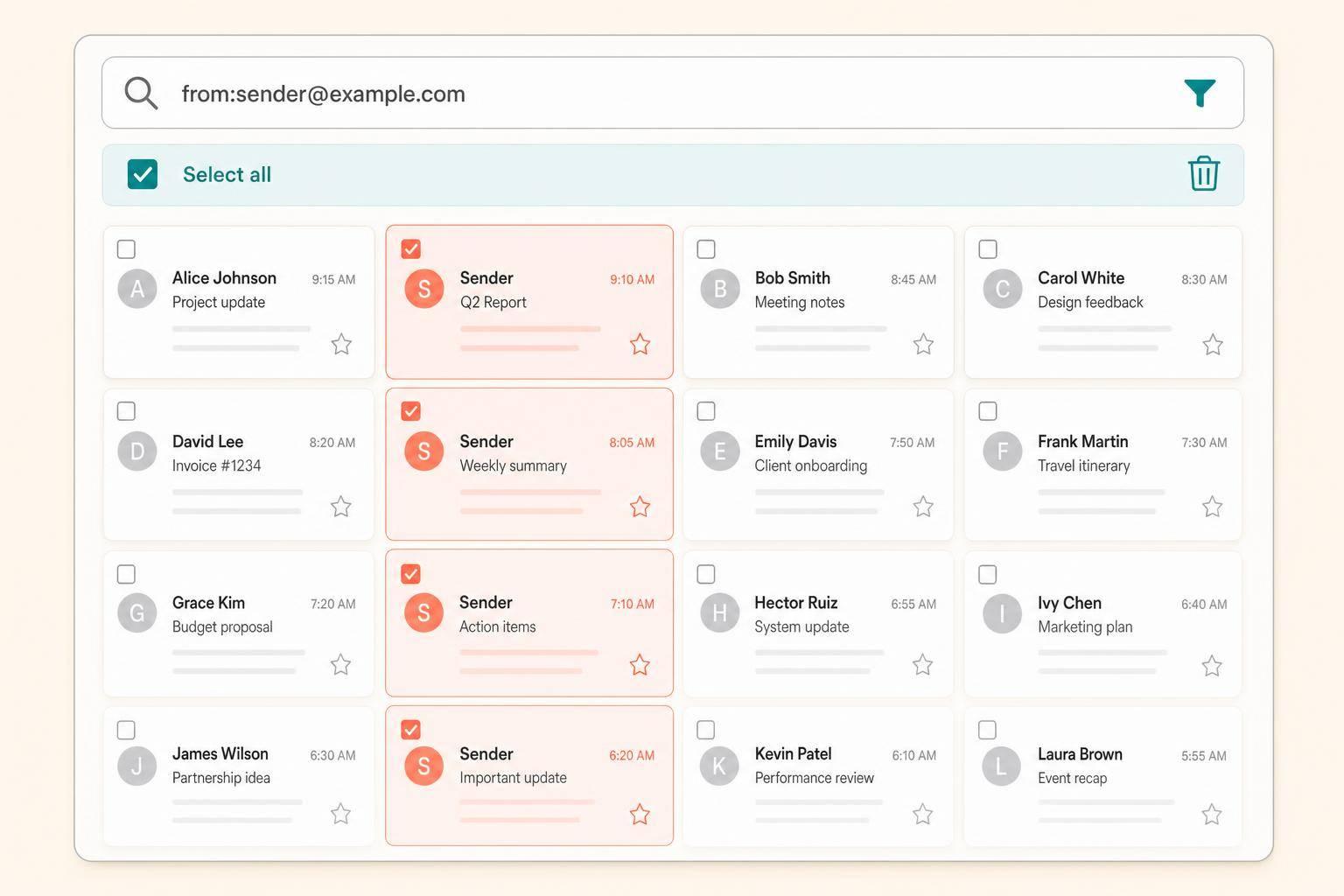
How to Sort Gmail by Sender (and Bulk-Delete by Sender)
Ryan Anderson
Email Management
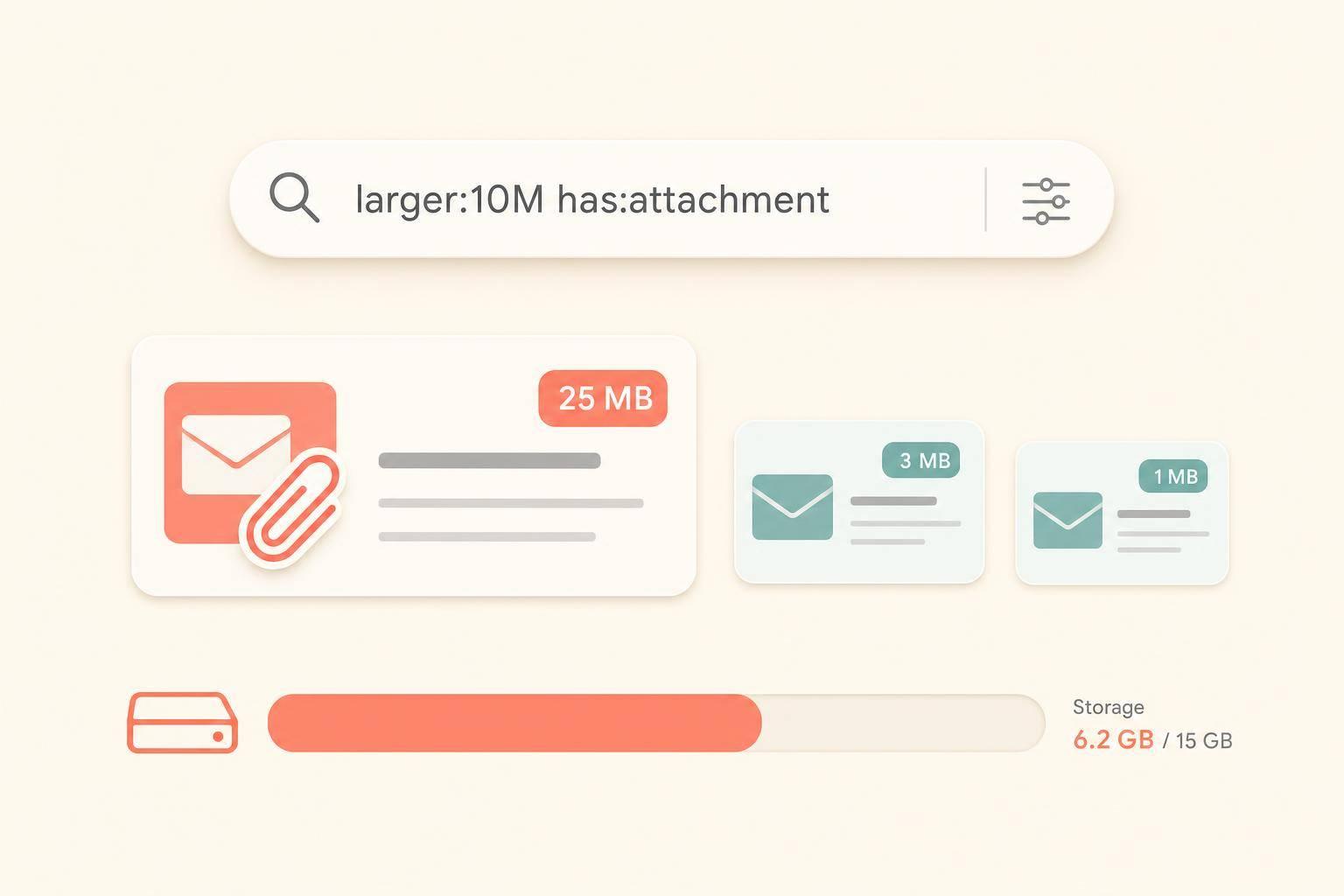
How to Sort Gmail by Size (Find What's Eating Your Storage)
Ryan Anderson
Email Management
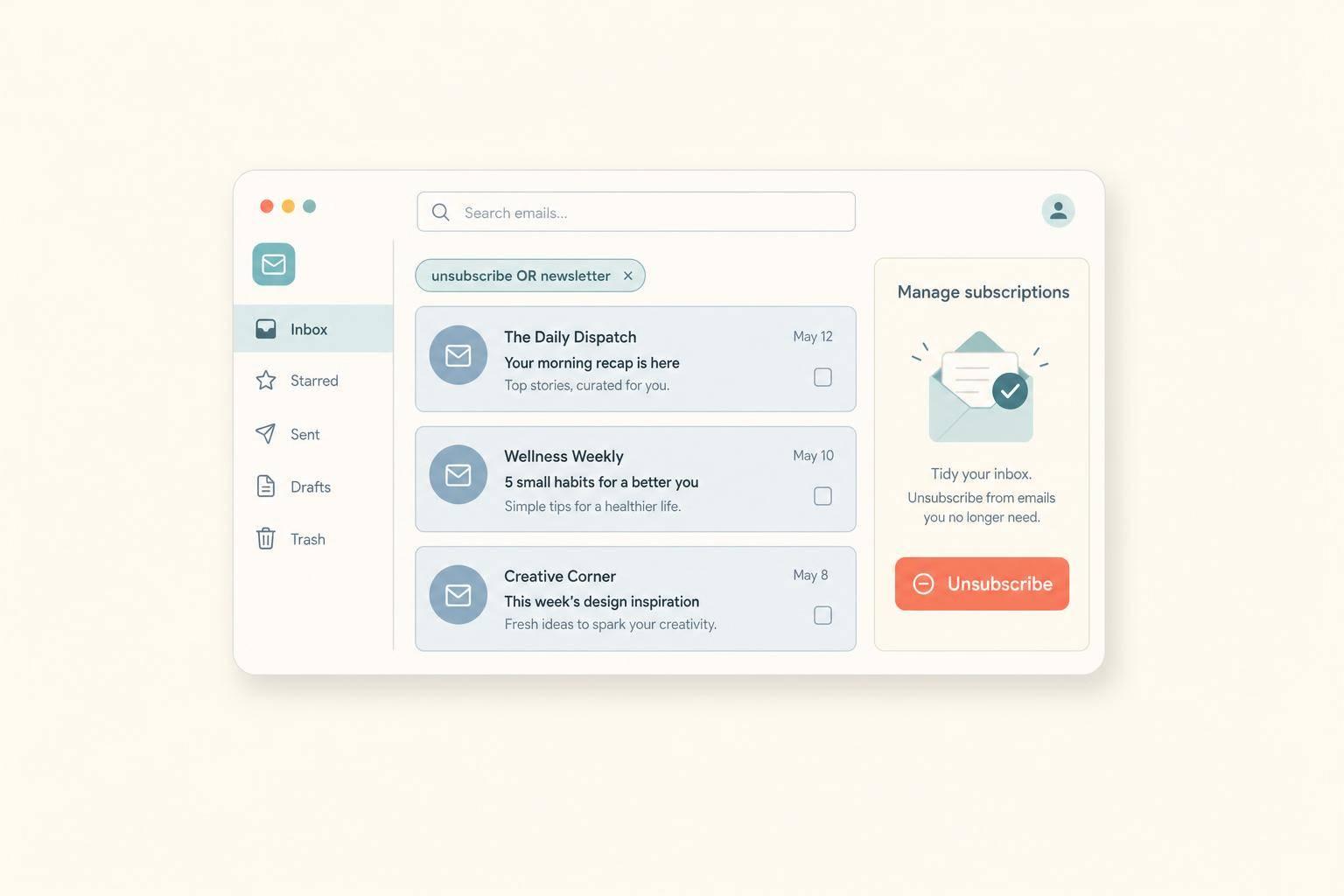
How to Mass Unsubscribe From Emails (Without Unroll.me)
Ryan Anderson
Email Management
How to Delete All Promotions in Gmail (and Keep Them Gone)
Ryan Anderson
Email Management
Inbox Zero for Better Mental Health
Ryan Anderson
Email Management
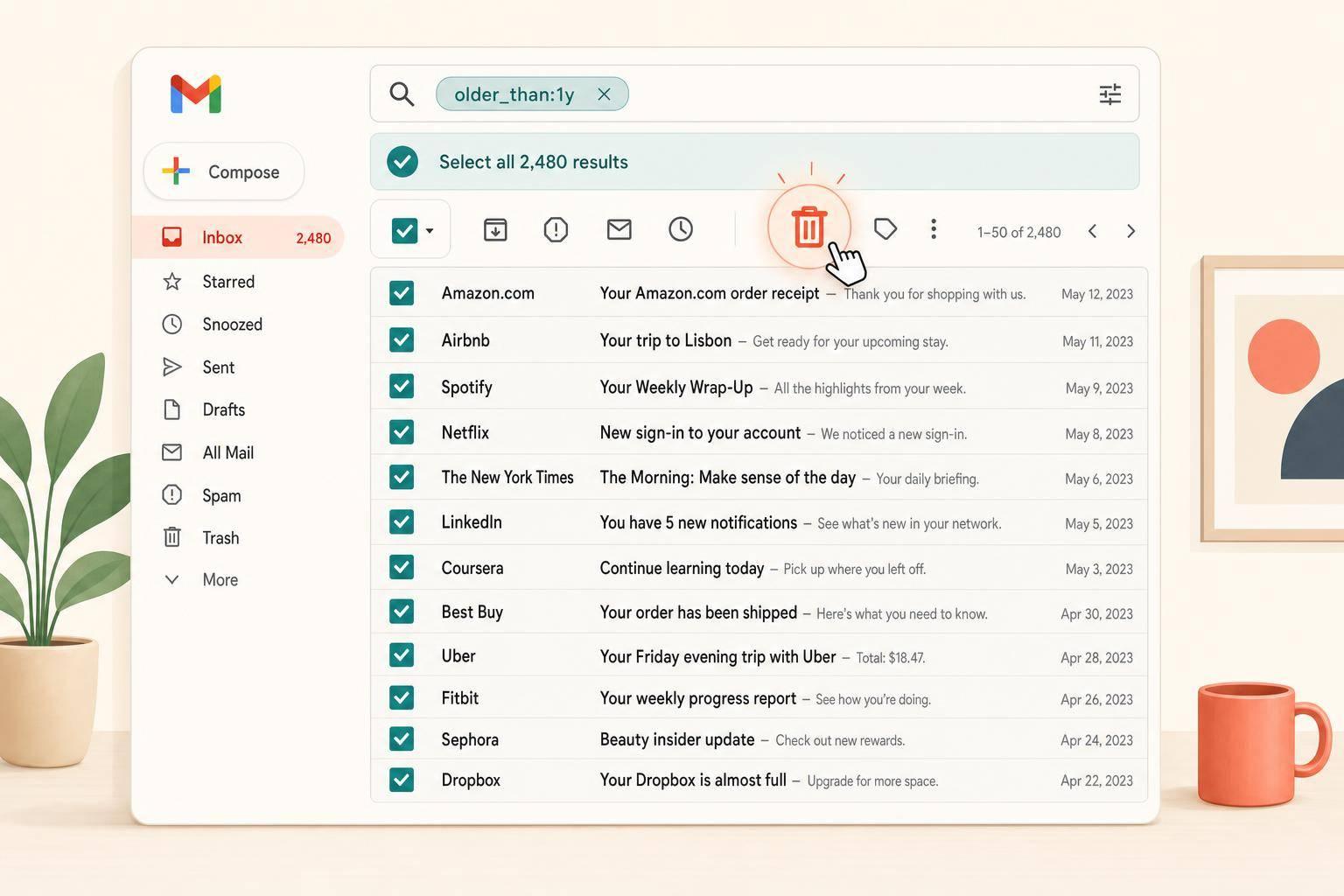
How to Mass Delete Emails in Gmail (All at Once)
Ryan Anderson
Cloud Storage
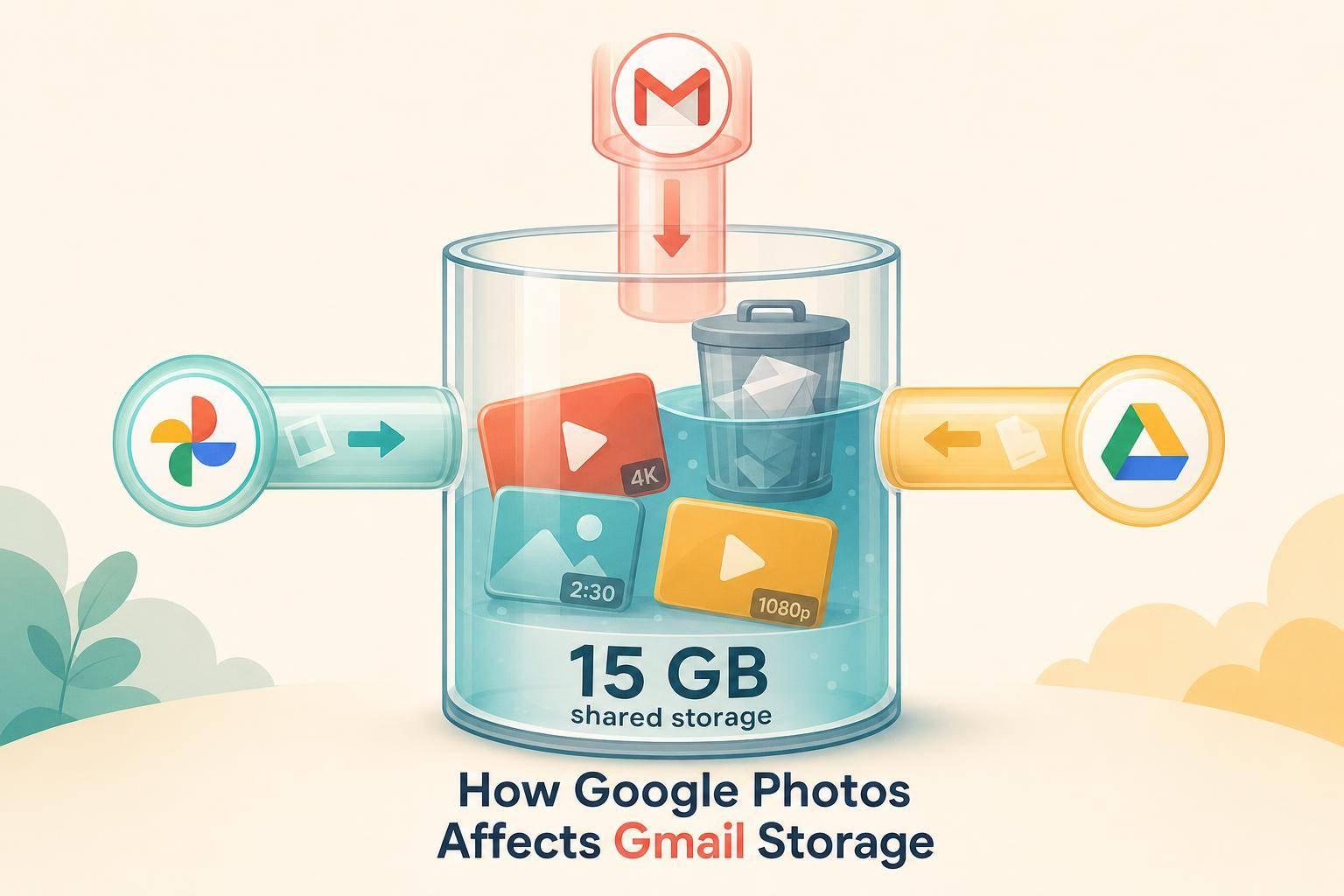
How Google Photos Affects Gmail Storage
Ryan Anderson
Email Management
AI Spam Filtering: Solving Gmail Inbox Clutter
Ryan Anderson
Email Management
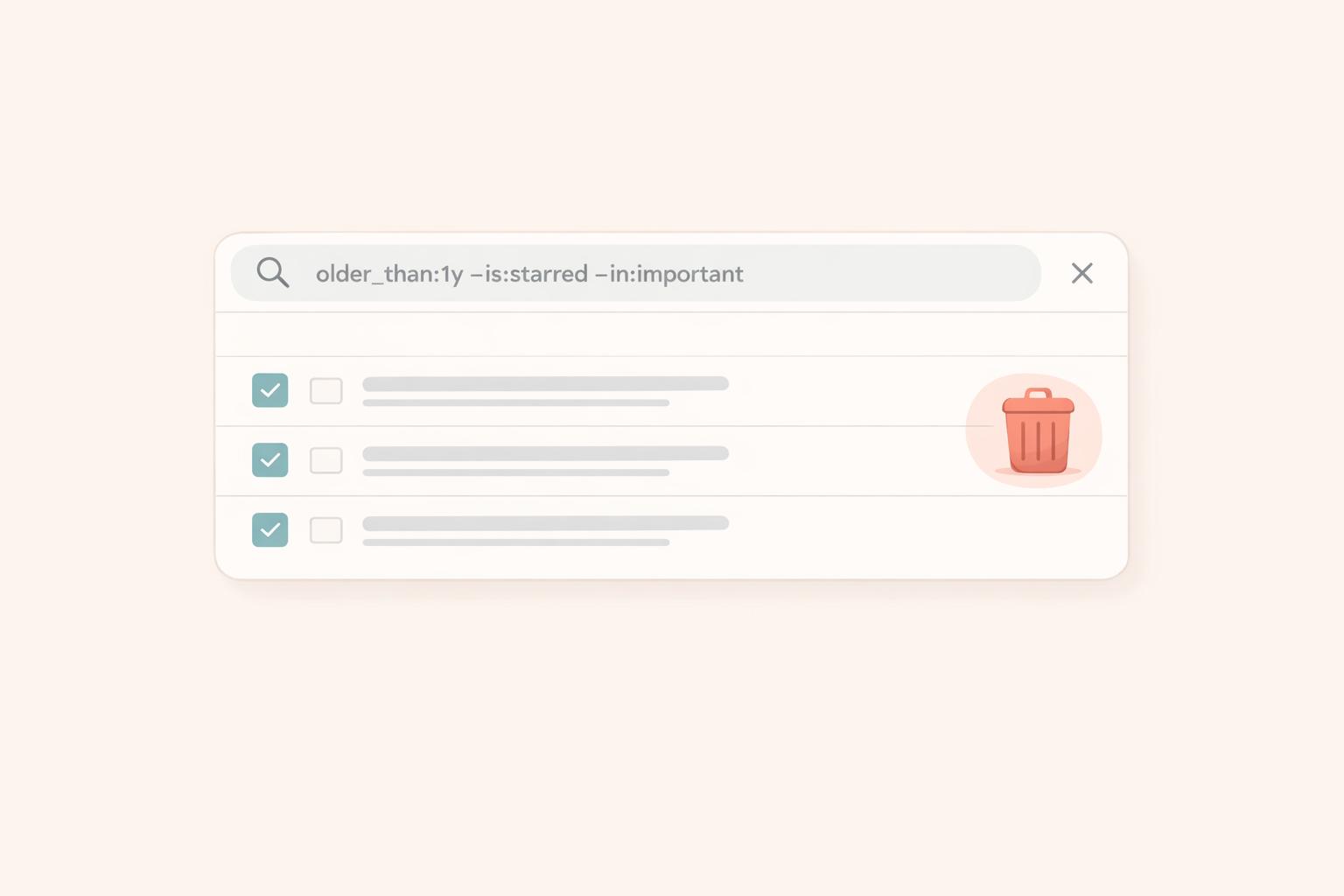
Tutorial: The Best Way to Mass Delete Emails in Gmail
Ryan Anderson

Email Management
How to clean email fast
Ryan Anderson
Email Management
What is Gmail's retention policy?
Ryan Anderson

Email Management
How to clear your gmail inbox, in minutes
Ryan Anderson
Email Management
How to prevent sender from going to spam in Gmail
Ryan Anderson
Email Management
How to whitelist an email
Ryan Anderson
Email Management
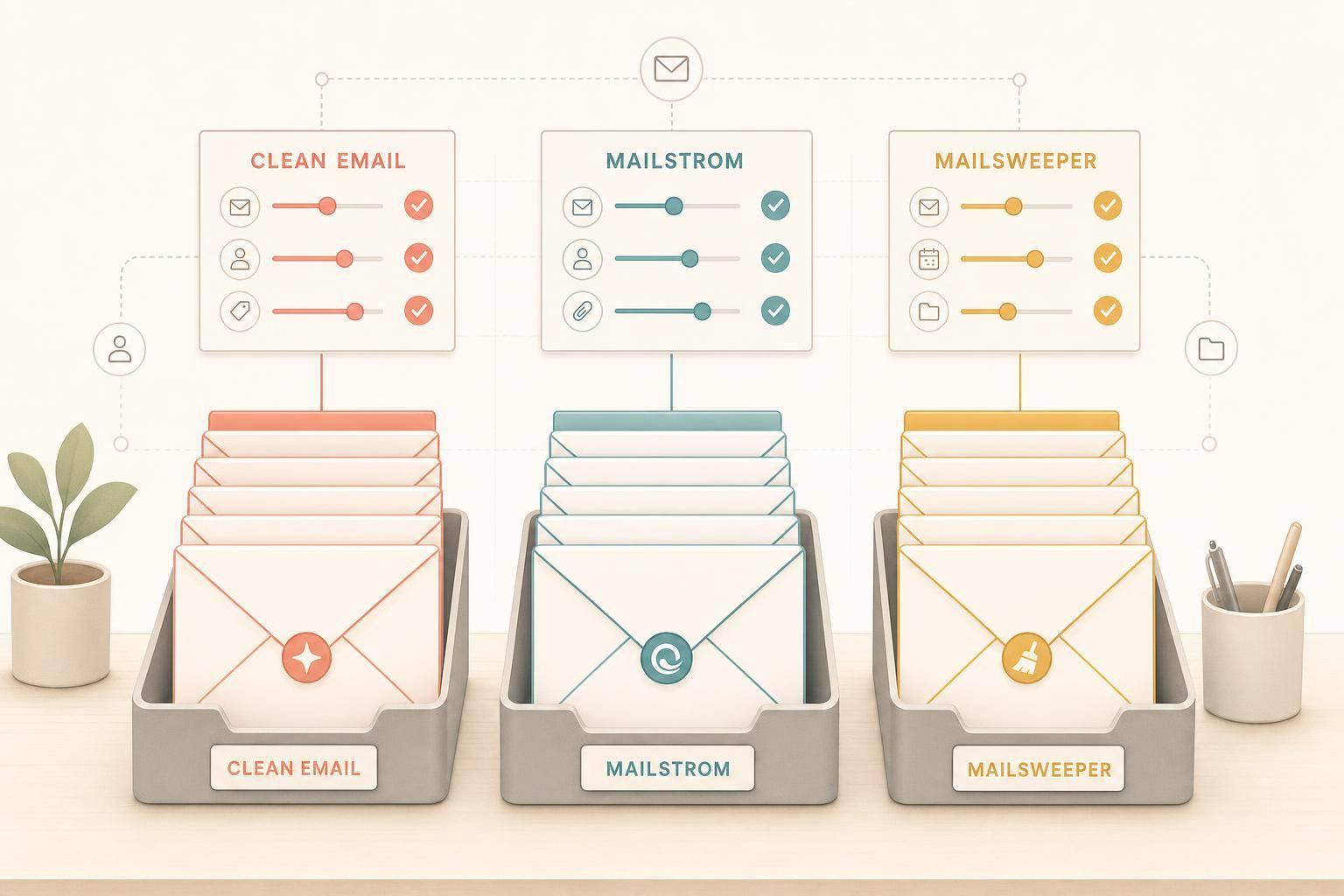
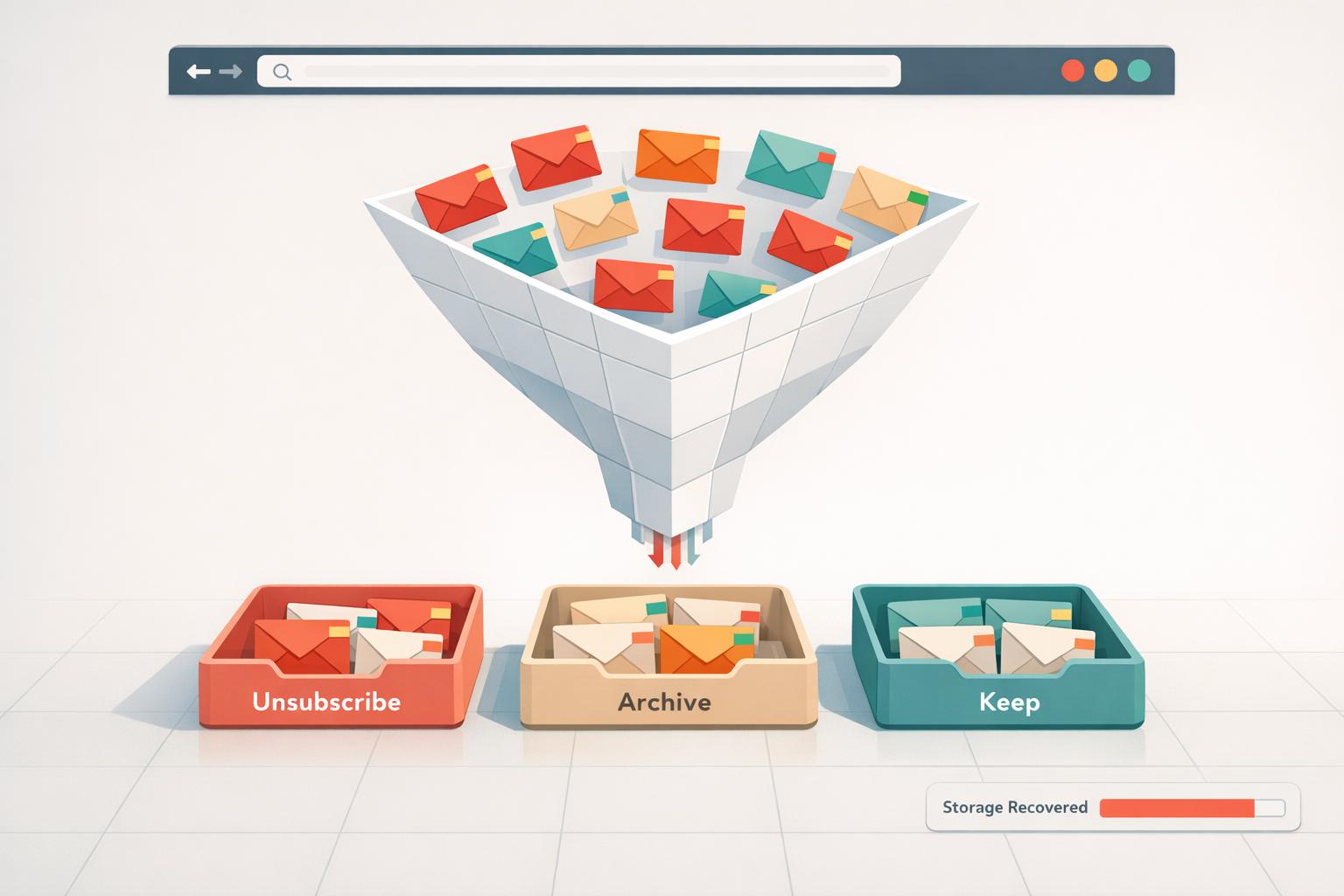
Best Gmail Cleanup Tools
Ryan Anderson
Email Management
How Mailsweeper respects your privacy
Ryan Anderson
Email Management
Top 10 Email Productivity Tips
Ryan Anderson
Email Management
Easiest Way to Unsubscribe from Emails (and why it doesn't work)
Ryan Anderson
Email Management
How to unsubscribe from lots of emails
Ryan Anderson
Email Management
Best Email Cleanup Tools for 2026
Ryan Anderson
Email Management
Best gmail plugins for productivity
Ryan Anderson
Email Management
When I click Unsubscribe on an email, what happens?
Ryan Anderson
Email Management
How to unsubscribe from email lists
Ryan Anderson
Email Management
Unsubscribing from emails doesn't help, here's why
Ryan Anderson
Email Management
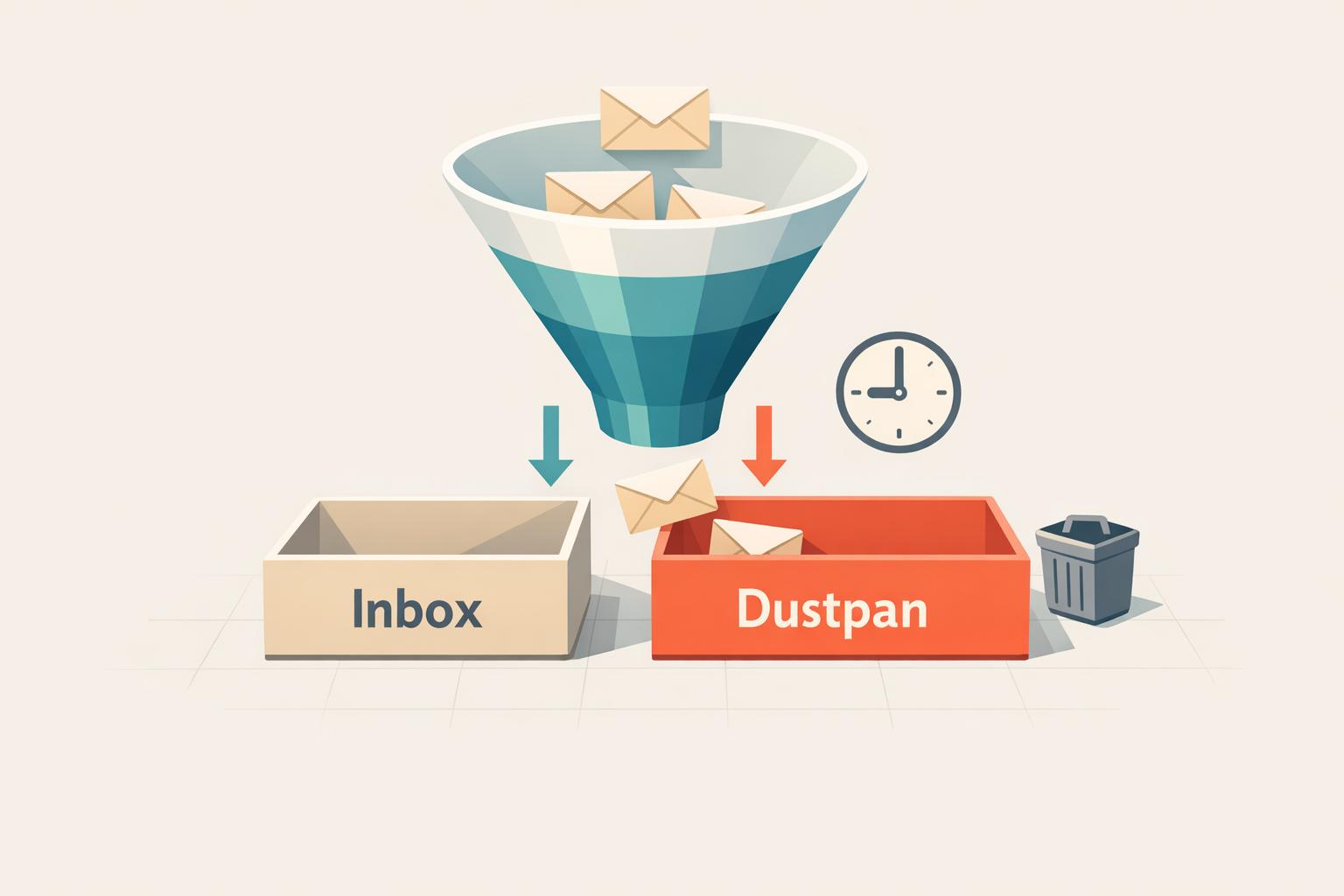
How AI Auto-Labels Gmail Emails
Ryan Anderson
Email Management
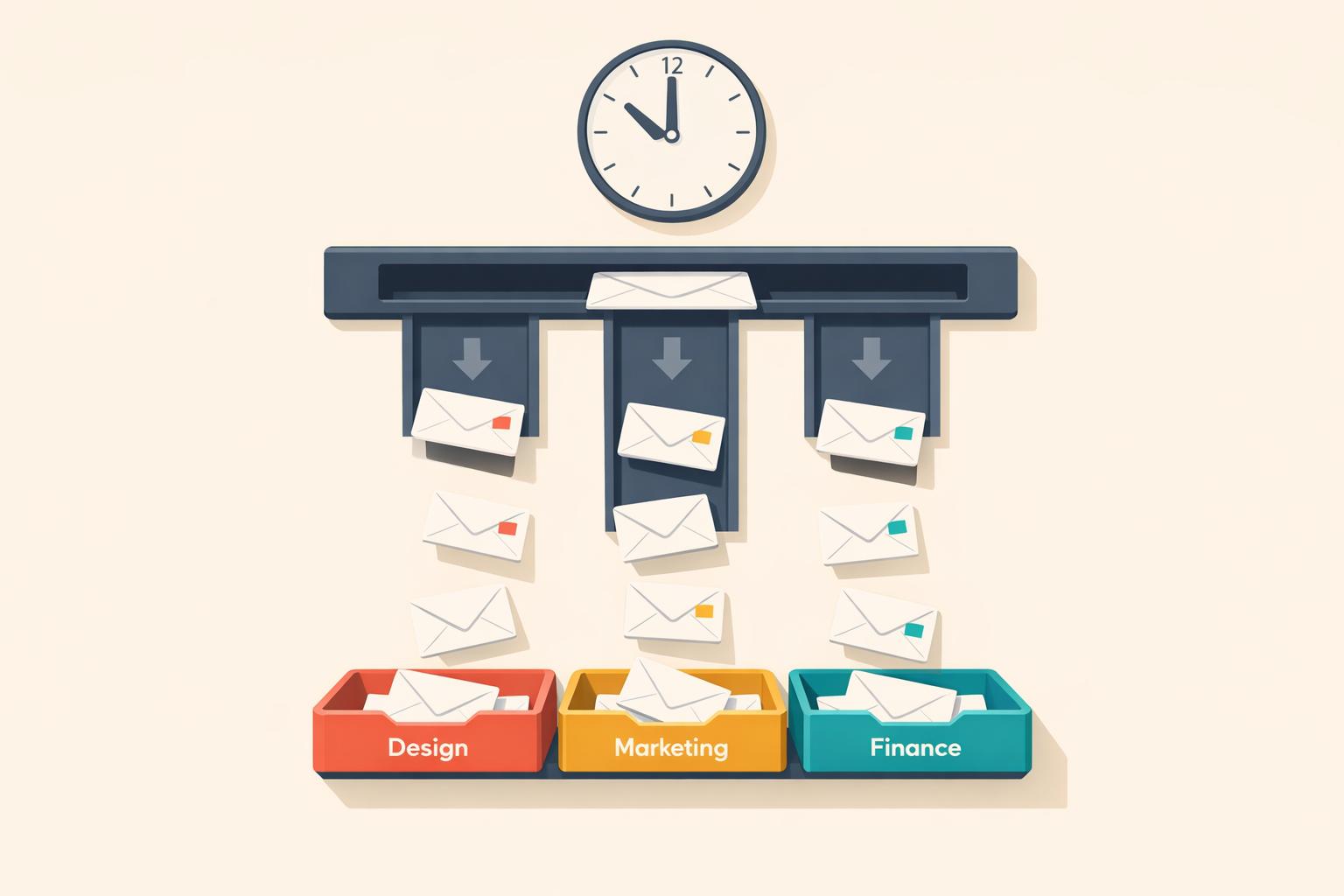
How Gmail Filters Save Time on Team Projects
Ryan Anderson
Email Management
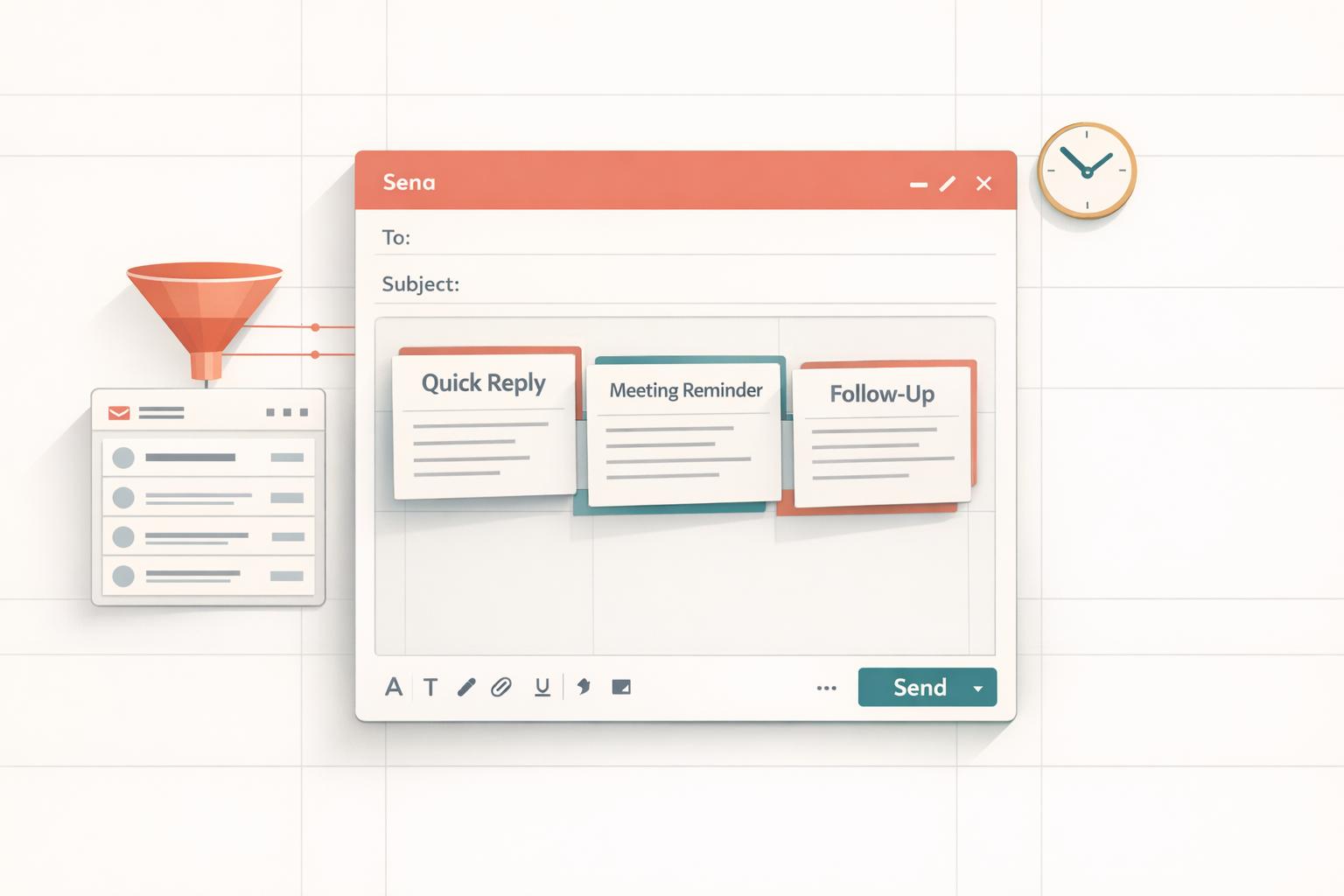
How Gmail Templates Save Time on Repeated Emails
Ryan Anderson
Email Management
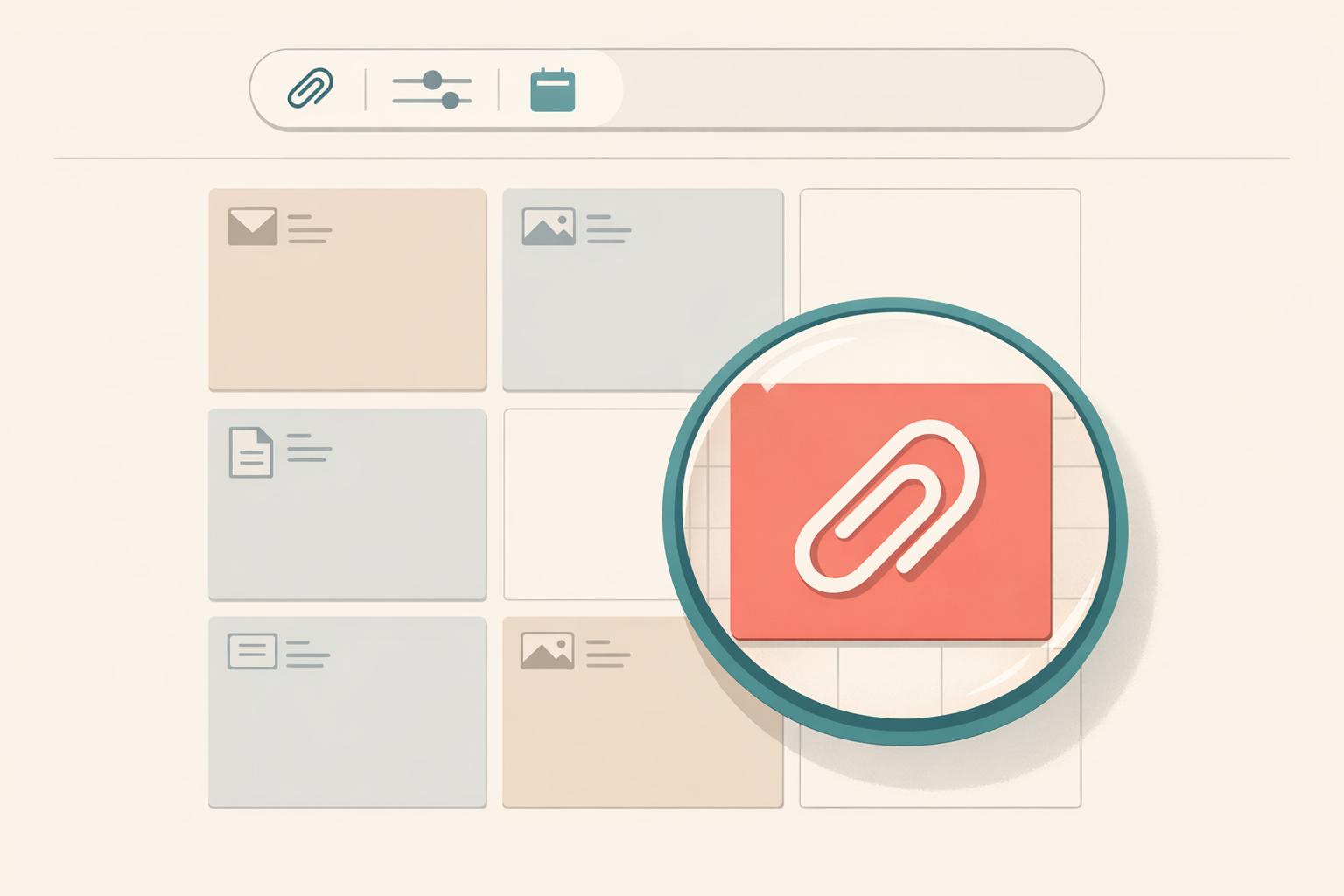
Finding large attachments in Gmail with advanced queries
Ryan Anderson
Email Management
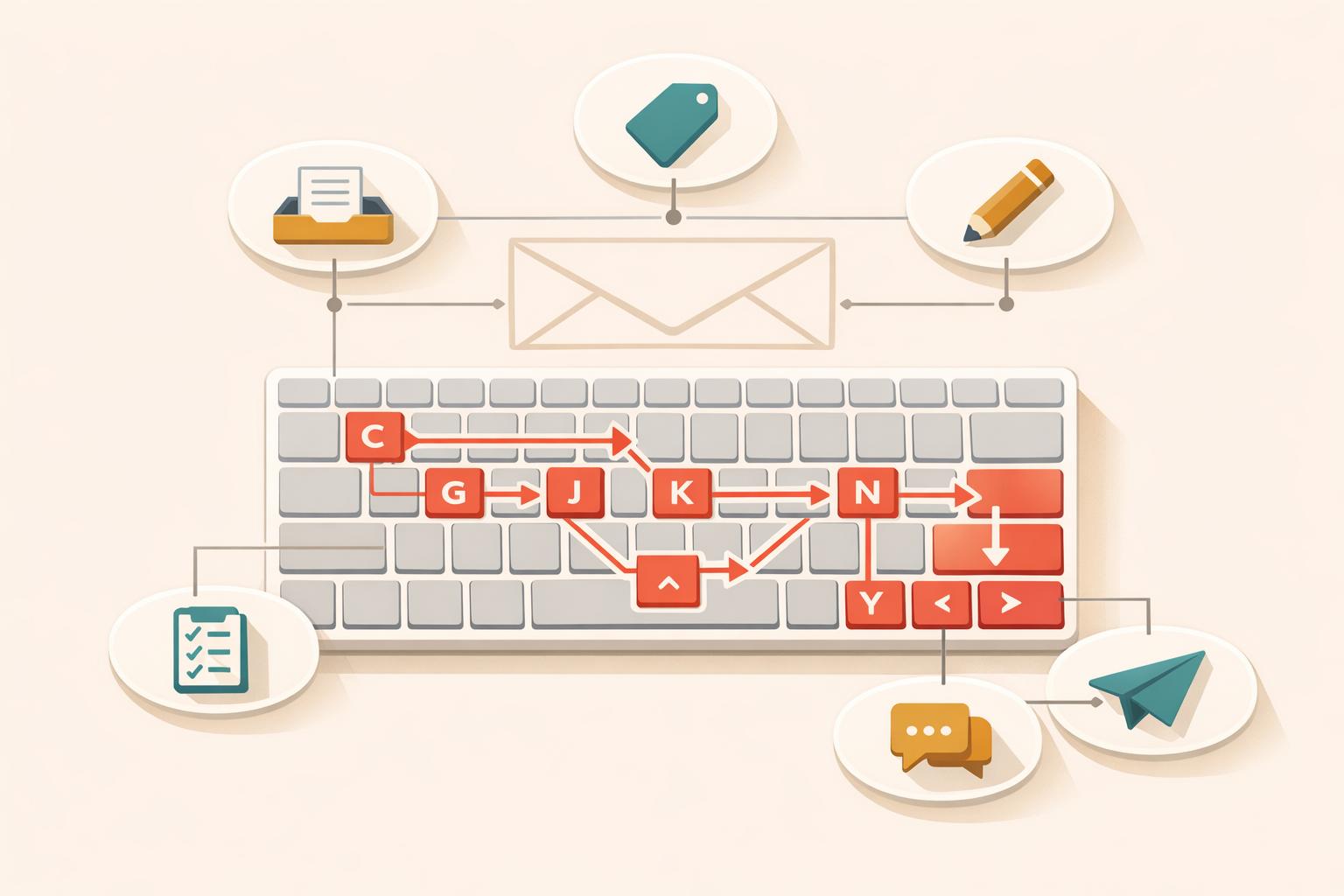
10 Gmail Shortcuts for Faster Email Navigation
Ryan Anderson
Email Management
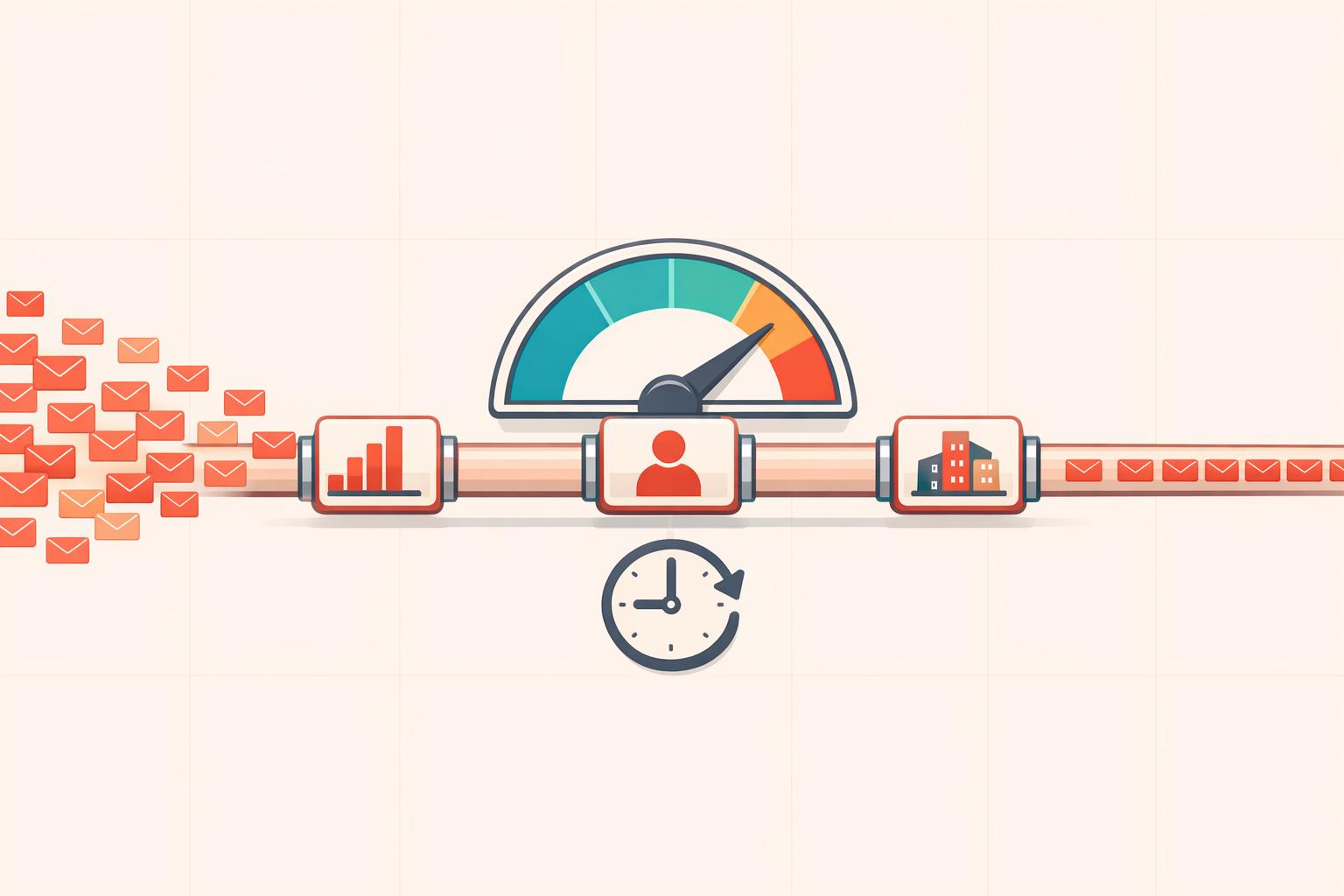
Gmail API rate limits, and why they matter
Ryan Anderson
Email Management
Periodic Email Cleanup: Save Gmail Storage
Ryan Anderson
Email Management
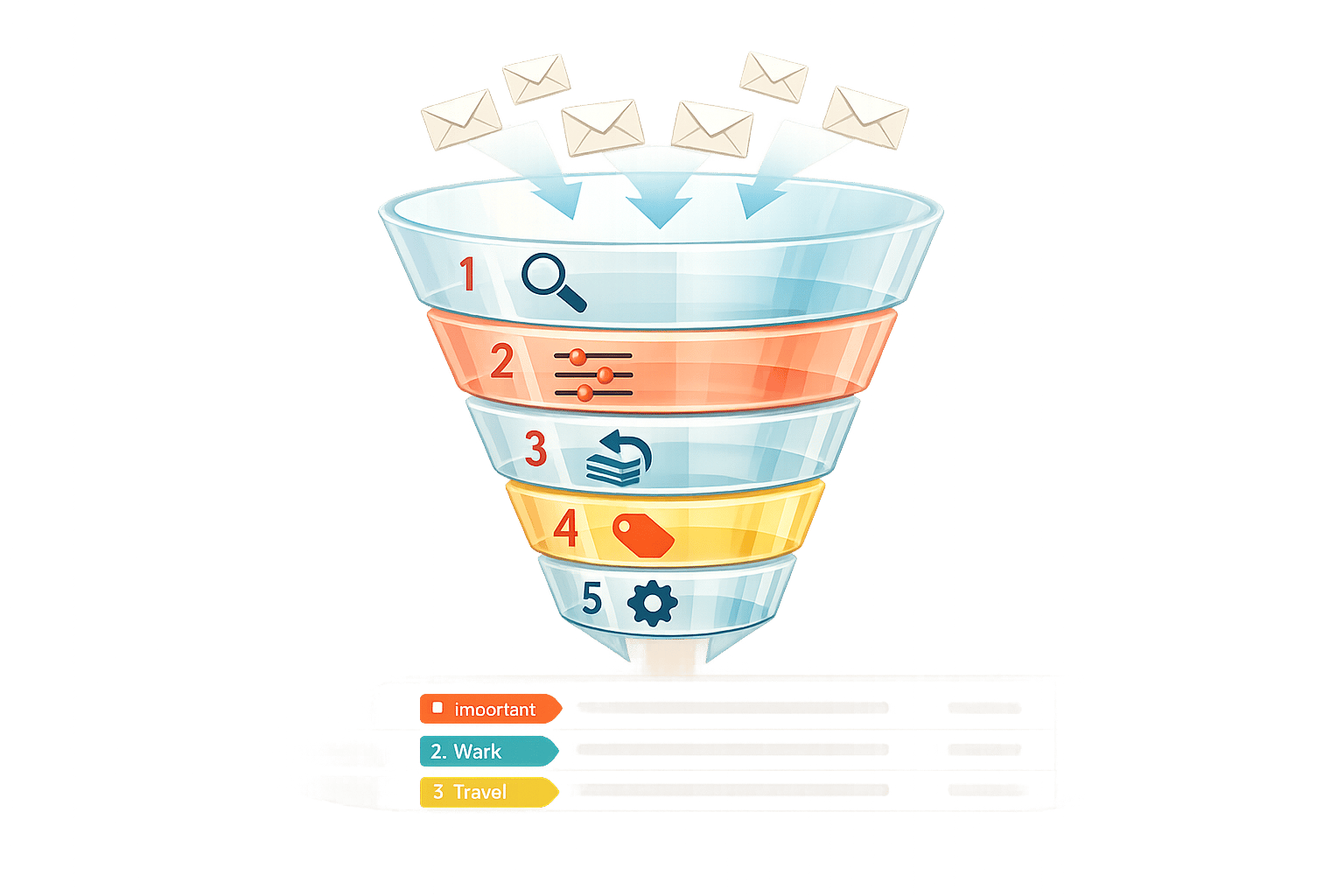
How to Set Up Gmail Filters in 5 Steps
Ryan Anderson
Email Management
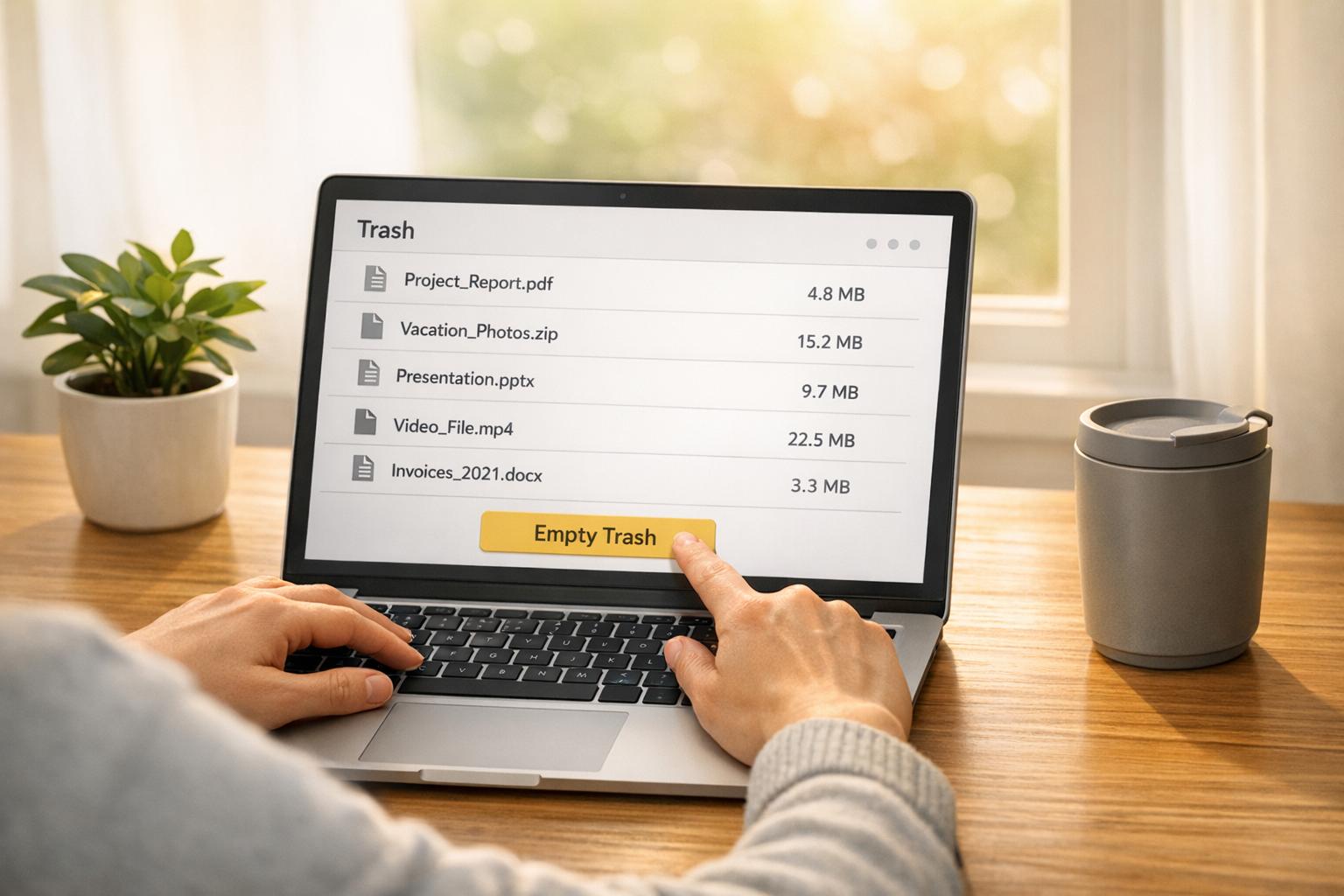
How Email Clutter Impacts the Planet
Ryan Anderson
Email Management
Checklist for Eco-Friendly Email Management
Ryan Anderson
Email Management
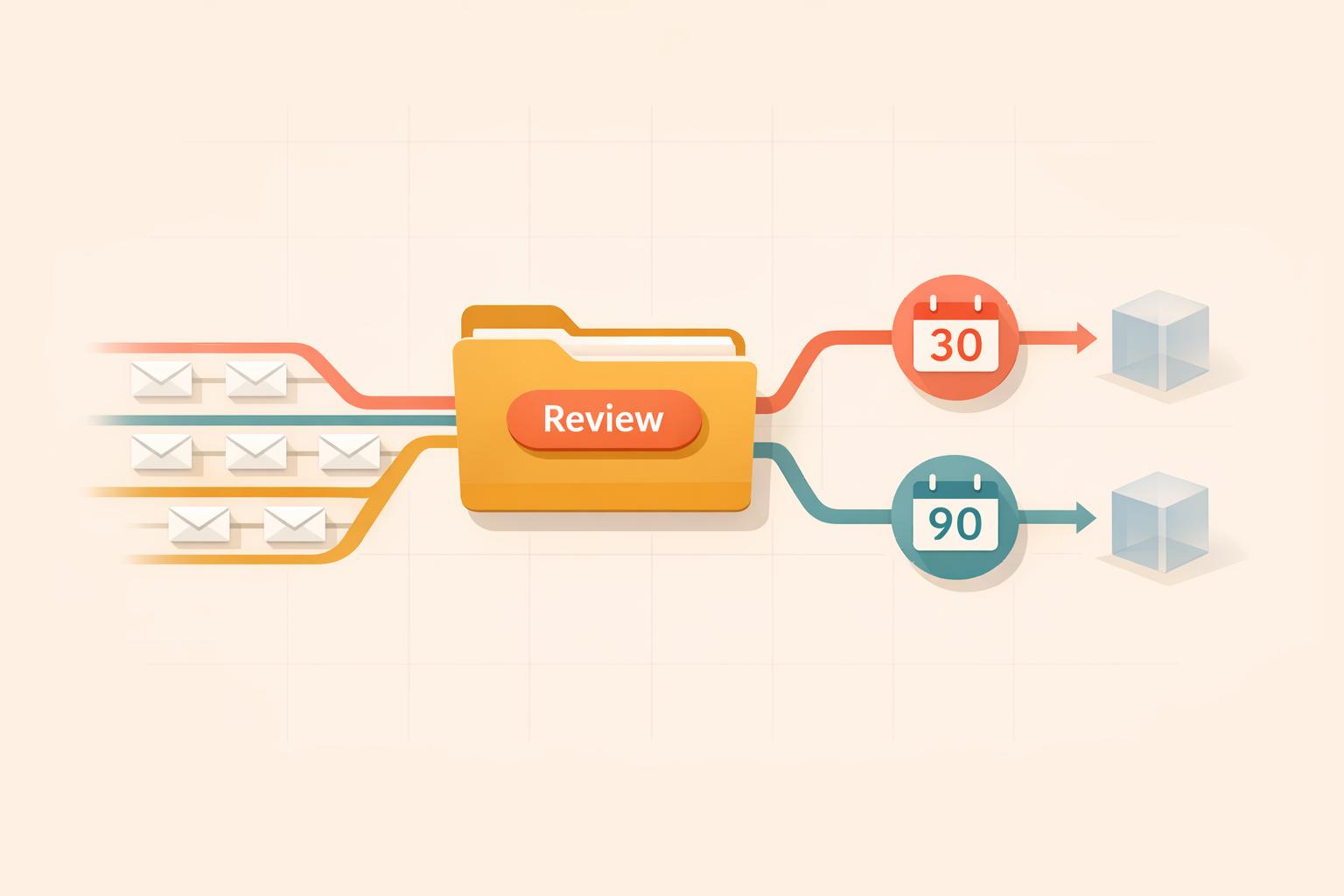
How MailSweeper Automates Gmail Cleanup
Ryan Anderson
