
New mail fails in one of two ways. It never landed, or it landed somewhere other than the inbox.
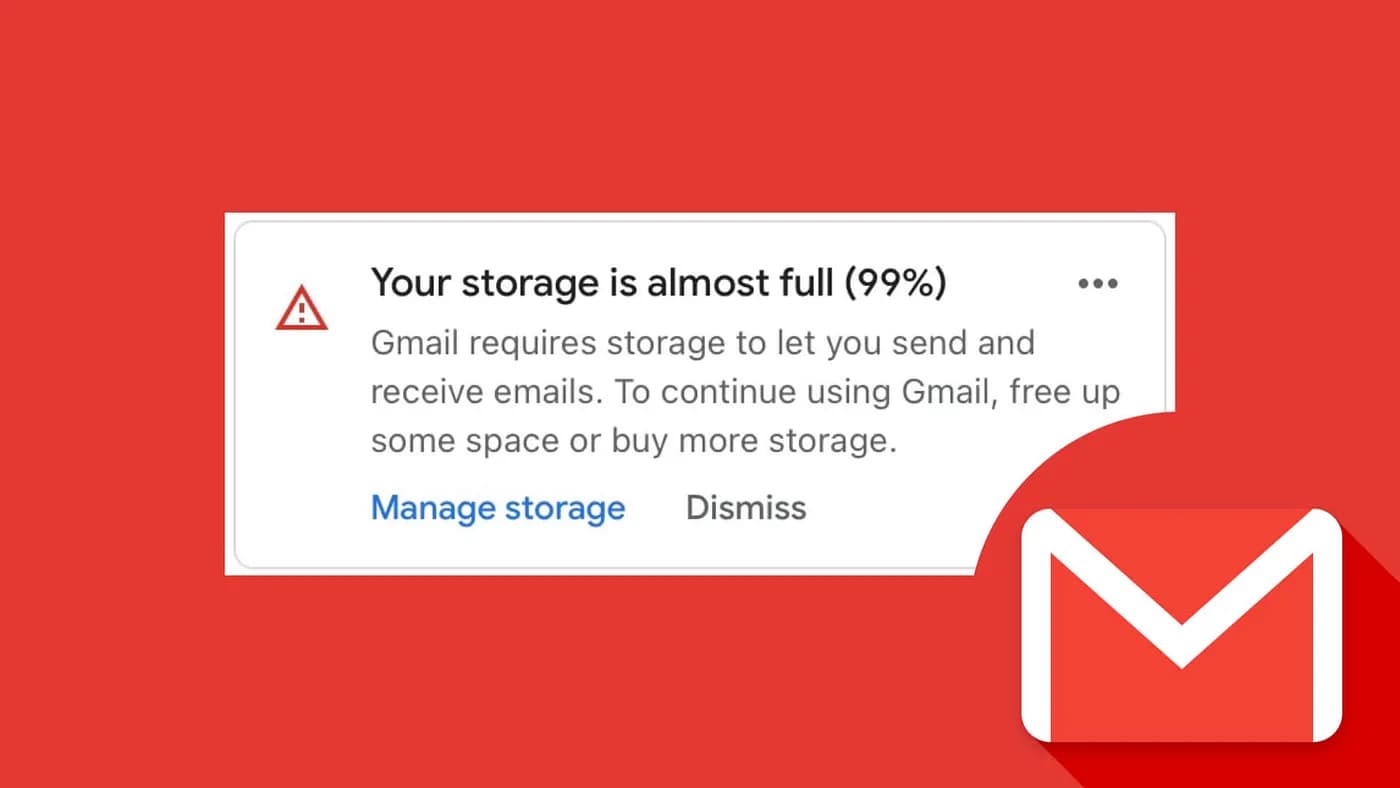
The case where it never lands is storage. Google's Manage your storage in Drive, Gmail & Photos, checked November 5, 2026, says that when the account reaches its storage limit you can't send or receive email in Gmail, and messages sent to you go back to the sender. How your Google storage works says the same thing more carefully: going over your storage quota can impact the ability to send and receive in Gmail.
If the sender did not get a bounce, the message is probably already in the account. Search Mail & Spam & Trash before you treat it as lost.
Check storage first
A personal Google Account includes up to 15 GB, shared across Gmail, Google Drive, and Google Photos. That wording is on both storage articles above, checked November 5, 2026. They say "up to 15 GB," not a flat 15 GB on every account. They do not document a 5 GB starting allowance, or a phone number that unlocks the rest. Open Google storage. If this account shows a lower number, that number is the limit.
What counts, from the storage-policy page: Gmail messages and attachments, including Spam and Trash; files in Drive; original-quality photos and videos in Google Photos; Storage saver and Express photos and videos backed up after June 1, 2021; and WhatsApp backups on Android. Archive and labels do not free space. The message is still in the account.
When the account is at the limit, Google's manage-storage article says two things that matter here:
- You can't send or receive emails.
- Messages sent to you go back to the sender.
There is no queue to release later. After you are under the limit, the sender has to send the message again.
Get under the limit
Google's short-term fix on that same page is to empty Trash and Spam. Until those folders are permanently cleared, the messages still count.
In Gmail on a computer, from Delete messages in Gmail, checked November 5, 2026:
- Open Gmail.
- On the left, click More, then Trash.
- In the notification at the top, click Empty Trash now.
To move mail into Trash first, check the box and click Delete. That does not free the space until Trash is emptied.
For Spam, Report spam in Gmail says: on the left, click More, then Spam, then Delete all spam messages now.
A large delete does not update the number immediately. The manage-storage article says to allow up to 48–72 hours after you delete many files at once, and that if the account is still full after 30 minutes you should clear space in a more targeted way. The same wait, up to 48–72 hours, is on the storage-policy page.
To find the heavy mail, Google's example search is has:attachment larger:10M. Drive and Photos draw from the same pool, so a full bar can be photos or files even when the inbox looks small. The cleanup steps for that pool are in why Gmail storage fills up, how to fix Gmail storage full, and what Gmail storage costs.
MailSweeper is for the mail side of that pool. The Dustpan label covers the categories you turn on (promotions, social, updates, and forums). It skips important, starred, sent, and draft mail, and a schedule moves what remains to Trash. Trash still counts until you empty it or 30 days pass. That part is Gmail, not the schedule.
If there was no bounce, find the copy
Checked against Gmail messages are missing on November 5, 2026. Google recommends a computer for these. Several of them are not in the Gmail app.
Search Spam and Trash, not only the inbox
- On your computer, open Gmail.
- At the top, in the search bar, click Show search options.
- Next to Search, open the All Mail menu and select Mail & Spam & Trash.
- Enter something from the missing message. Leave the fields blank if you are not sure.
- At the bottom, click Search.
The operator for that same scope is in:anywhere, from Refine searches in Gmail. in:anywhere from:name@example.com includes Spam and Trash. in:inbox does not.
Mail in Trash or Spam is deleted after 30 days, or sooner if you empty the folder. A draft lives under Drafts. Discarding a draft does not put it in Trash.
All Mail, and the category tabs
Archive takes the message out of the inbox and leaves it under All Mail. On a computer: select it, click Archive. To get it back, open More, then All Mail, select it, and click Move to Inbox. A reply to an archived message comes back to the inbox. Where archived mail goes is that path in more detail. Archived mail still uses storage.
With the Default inbox, Gmail also sorts mail into Primary, Social, Promotions, Updates, and Forums. A receipt in Updates or a newsletter in Promotions is received. It is not on the Primary tab. Google's category help adds a reason the phone stays quiet: when new-mail notifications are on, you only get them for Primary.
To put one message on Primary, drag it to that tab. Undo is on the confirmation at the bottom left. To change which tabs exist: Settings, and in Quick settings, under Inbox type, select Default, then Customize.
Filters that delete or skip the inbox
A filter can archive or delete mail as it arrives, so the inbox never shows it.
- On your computer, open Gmail.
- At the top right, click Settings, then See all settings.
- Open Filters and Blocked Addresses.
- Look for Delete it or Skip Inbox.
- Click Edit or Delete.
Skip Inbox is the archive action. Delete it moves the message to Trash. Deleting the filter stops it from running on later mail. It does not restore what it already archived or deleted. The create and edit screens are in how to create filters in Gmail.
Forwarding
Automatic forwarding can keep a copy in the inbox or archive the copy. Google's missing-mail steps, if forwarding is on:
- Settings, See all settings.
- Open Forwarding and POP/IMAP, or Forwarding if that is the tab you have.
- In Forwarding, if Forward a copy of incoming mail is selected, choose Keep Gmail's copy in the Inbox or Mark Gmail's copy as read.
- Click Save Changes.
To turn forwarding off, select Disable forwarding, then Save Changes. Automatically forward Gmail messages says spam is not forwarded, and that a forwarding notice you did not set up means someone else may have access. Change the password, then turn forwarding off.
Blocked addresses and Spam
Blocking does not bounce mail. Block an email address in Gmail says future messages from that address go to Spam. They were accepted and filed.
On a computer, open a message from that sender, click More next to Reply, and click Unblock "[sender]". If you cannot find a message, use Settings, See all settings, Filters and Blocked Addresses, check the address, and click Unblock selected addresses. After you unblock, Google says later mail goes to the inbox. The block steps, and what they do not cover, are in how to block emails on Gmail.
For mail Gmail filed as spam on its own: More, Spam, check the message, click Not spam. Google's spam article says later mail from that sender then stays out of Spam. That does not apply to a blocked address. You still have to unblock them. Adding the sender in Google Contacts is the other step on that page. The longer version is how to keep a sender out of Spam.
Outages, and mail pulled in by another app
Check the Google Workspace Status Dashboard when mail stops for everyone at once. Gmail is on that page. On November 5, 2026, at 12:34 PM UTC, it listed no incidents. A full account or a filter will not show up there.
Two settings on your side can remove the inbox copy after Gmail has already accepted the message. Both are on Settings, See all settings, Forwarding and POP/IMAP, checked November 5, 2026 against Read Gmail messages on other email clients using POP and the missing-mail article.
POP download has Enable POP for all mail and Enable POP for mail that arrives from now on. Under When messages are accessed with POP, the choices are Keep Gmail's copy in the Inbox, Mark Gmail's copy as read, Archive Gmail's copy, and Delete Gmail's copy. If another program is set to archive or delete Gmail's copy, select Keep Gmail's copy in the Inbox and click Save Changes. If you use recent mode, Google says to change that program's POP settings so it leaves mail on the server. The help page does not list the clicks inside Outlook or Apple Mail for that.
There is one copy of each message. Deleting it in a client synced to the account, such as Apple Mail, deletes it in Gmail. For a personal account, Add Gmail to another email client says that starting January 2025 the Enable IMAP and Disable IMAP choices are gone. IMAP stays on.
Check mail from other accounts is the other direction: Gmail fetching a Yahoo, Outlook, or similar inbox with POP. Google's notice on Gmailify and POP says that after the first quarter of 2026 this is closed to new users, and existing users can keep it until January 2027. Mail already imported stays. A one-time import still exists. Continuous fetching on the computer does not, once that window ends. The Gmail app on Android, iPhone, and iPad can still add the other account with IMAP. If that other inbox is what stopped showing up inside Gmail, the fix is forwarding at the other provider, or the app, not a setting that brings POP fetching back.
Work and school accounts
The search, filter, Spam, and forwarding screens above are the same Gmail settings. The quota is not.
Review storage use across your organization, checked November 5, 2026, lists pooled storage for most editions. Business Starter is 30 GB times the number of end users. Business Standard is 2 TB times the number of end users. Frontline editions are listed at 5 GB per end user. That 5 GB figure is a license limit on those editions. It is not a phone-number step, and the personal storage articles checked the same day do not describe one.
You cannot buy Google One for a work or school account. Buy more Google storage says to ask the administrator. Free up storage space says the same, and points users at drive.google.com/drive/quota.
Workspace also has receiving limits that are separate from storage. Gmail receiving limits in Google Workspace says they apply to all editions, cannot be increased, and may change without notice. The table checked November 5, 2026 lists 60 messages a minute, 3,600 an hour, and 86,400 a day, counting mail addressed to the account. At the limit, new messages bounce, and mail sent during the restriction cannot be recovered. Google says the restriction typically lasts about 24 hours, then resets. The same table names a size limit of 50 MB for Enterprise Standard and 70 MB for Enterprise Plus, after encoding. An administrator can see which limit was hit. This is an account that receives a huge volume of automated mail, not a quiet personal inbox.
FAQs
Why did the sender get a bounce?
The account was at its storage limit, or a work or school account hit a Workspace receiving limit. Gmail did not keep the message. There is nothing in Trash or Spam to restore. Clear the limit, then ask them to send it again.
I deleted mail and new messages still bounce. How long does that take?
Empty Trash with Empty Trash now, and empty Spam with Delete all spam messages now. Both still count until you do. Google says a large delete can take up to 48–72 hours to show up in the storage number. Drive and Photos share the same pool, so mail may not be what filled it.
The sender says it was delivered, but it is not in the inbox. Where is it?
Delivered means Gmail accepted it. Search with Mail & Spam & Trash selected, then check All Mail, the category tabs, Filters and Blocked Addresses for Skip Inbox or Delete it, forwarding, and Spam. A blocked sender's new mail is in Spam.
Does blocking someone stop their email from arriving?
No. Future mail from that address goes to Spam. Unblock them on the message, or under Filters and Blocked Addresses, if you want it in the inbox. Not spam alone does not override a block.
I only get notifications for some mail. Did the rest fail?
Not necessarily. With inbox categories on, Google's help says new-mail notifications cover Primary only. Open Promotions, Social, Updates, and Forums, or drag the message to Primary.
Is a work or school account the same?
The inbox checks are the same screens. Storage is the organization's pool, and you cannot buy Google One on that account. A separate Workspace receiving limit can bounce mail for about a day, and those messages are not kept. Ask the administrator if the account is over its quota or at a receiving limit.
