
Email Management
Best Free Alternatives to Clean Email in 2025
Compare free and freemium tools to clean Gmail, unsubscribe from newsletters, reclaim storage, and protect privacy with automated inbox cleaners.

Best Free Alternatives to Clean Email in 2025
Managing a cluttered Gmail inbox can be overwhelming, especially with Google’s 15 GB storage limit shared across Gmail, Drive, and Photos. Instead of paying for extra storage, free tools can help you clean up your inbox, unsubscribe from unwanted emails, and reclaim storage space - all while addressing privacy concerns. Here’s a quick breakdown of the best free and freemium email cleanup tools available in 2025:
- MailSweeper: AI-powered tool with a one-time fee ($16–$20) for lifetime access. Automatically deletes low-priority emails after a retention period while respecting privacy.
- Leave Me Alone: Focuses on unsubscribing from newsletters with a credit-based payment system.
- Trimbox: Chrome extension for bulk-unsubscribing and deleting directly in Gmail. Free plan has limited actions.
- CleanFox: Deletes newsletters and shows the carbon footprint of your email storage. Funded through data analytics partnerships.
- UnrollMe: Free tool for unsubscribing and bundling newsletters but monetizes anonymized purchase data.
- SaneBox: AI organizes emails into folders like "SaneLater." Free trial available; paid plans start at $9.99/month.
- Mailstrom: Groups emails by sender, subject, or date for bulk actions. Free trial processes up to 2,500 emails.
- AgainstData: Offers privacy-focused cleanup with CO₂ tracking. Basic features are free, with premium options.
Quick Comparison
| Tool | Best For | Free Tier | Privacy | Cost |
|---|---|---|---|---|
| MailSweeper | Automated cleanup | No free tier | Strict privacy, CASA certified | $16–$20 (lifetime) |
| Leave Me Alone | Unsubscribing newsletters | Credit-based | No data selling | Pay per unsubscribe |
| Trimbox | Gmail integration | Limited actions | Not specified | Free, paid upgrades |
| CleanFox | Newsletter removal | Free forever | Data used for analytics | Free |
| UnrollMe | Subscription management | Free forever | Monetizes anonymized data | Free |
| SaneBox | AI email organization | 14-day free trial | No data selling | $9.99/month |
| Mailstrom | Bulk email cleanup | Free trial (2,500 emails) | Not specified | Paid after free trial |
| AgainstData | Privacy-focused cleanup | Basic free features | No monetization | Free, premium tiers |
Choose a tool that fits your needs - whether it’s managing subscriptions, automating cleanup, or prioritizing privacy. Start small by testing a free option, and expand as needed.
Gmail Tips: Clean Up Your Inbox in 2025

How Free Email Cleanup Tools Work
Free email cleanup tools connect to your Gmail account to scan your inbox, identify patterns, and suggest ways to regain control over your email chaos. These tools don’t just hide unwanted emails - they actively remove you from mailing lists, delete old messages, and organize your inbox into manageable categories. This helps reduce clutter, free up storage, and save you from the time-consuming task of manually sorting through countless emails.
Most tools focus on analyzing email headers, which include details like senders, subject lines, dates, and message types - without accessing the full email content. After scanning, the tool groups similar emails together, enabling you to take bulk actions like unsubscribing or deleting outdated notifications. This automated process works in the background, so you don’t have to sift through every email individually.
Main Features of Free Cleanup Tools
One standout feature is bulk unsubscribing. Instead of opening every promotional email to click "unsubscribe", these tools handle the process for you. They send unsubscribe requests or fill out necessary forms automatically, cutting off the source of future clutter.
Smart filtering is another useful function. These tools can sort your inbox into categories, like Social Notifications, Finance, Entertainment, or Travel. Some even use AI to learn which emails you prioritize, moving less critical messages out of your main inbox. Over time, the tool adapts to your habits, making your inbox management even smoother.
Automated deletion allows you to set up custom rules for handling future emails. For example, you could delete promotional messages after 30 days or archive shipping notifications that are more than two weeks old. These rules operate silently in the background, keeping your inbox tidy without requiring constant attention.
Technical Requirements for Gmail Users
To function with Gmail, these tools rely on OAuth authentication, a secure method that lets them access your account without needing your password. When you sign up, you’ll be redirected to Google’s login page to authorize the tool. This ensures your credentials remain secure.
During authorization, you’ll see a list of permissions the tool requires. Some tools only need read-only access to scan your inbox, while others require modification permissions to delete, archive, or label emails. For example, tools like MailSweeper need these permissions to perform automated cleanup tasks effectively.
Most free email cleanup tools also work with IMAP email services like Gmail, Outlook, iCloud, and Yahoo Mail. This means you can manage multiple email accounts with one tool. The setup process typically involves signing in, granting permissions, and initiating the scan.
For privacy-conscious users, many tools process only encrypted email headers and avoid selling or tracking user data. That said, some free tools, such as Unroll.Me, monetize by analyzing anonymous e-commerce data from your emails. While no personal details are shared, understanding how a tool operates is essential before granting access.
Benefits of Automated Inbox Cleanup
One immediate advantage is reduced storage usage. Gmail’s 15 GB storage limit is shared with Google Drive and Google Photos, so clearing unnecessary emails can free up space for other files. For instance, in 2025, MailSweeper helped users reclaim 213 GB of storage by deleting nearly 3 million unimportant emails.
Another major perk is time savings. Instead of manually unsubscribing or deleting emails one by one, you can process thousands of messages in minutes with these tools.
Finally, better email organization makes it easier to focus on important messages from colleagues, clients, or family members. With smart folder organization, emails are automatically categorized, reducing the need for manual sorting and helping you find what you need quickly.
These tools don’t just clean up your inbox - they help maintain order in the long run, making your Gmail experience more efficient and less stressful.
MailSweeper: A Free, AI-Powered Inbox Cleaning Solution
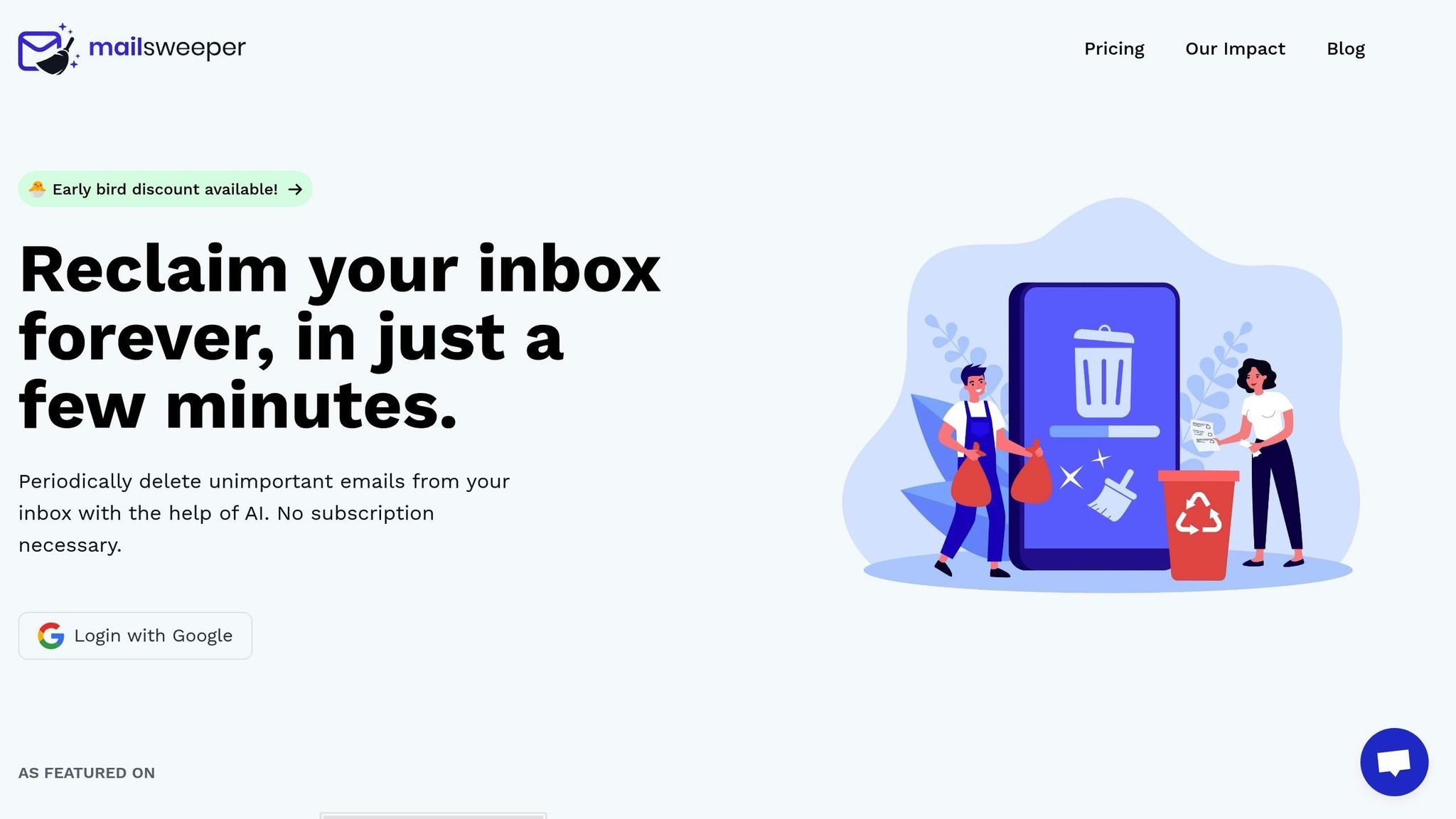
MailSweeper is designed specifically for Gmail users, offering an AI-powered way to declutter inboxes with a one-time payment for lifetime access. This makes it an appealing choice for those who prefer upfront costs over recurring subscriptions. Its goal? To help you cut through email clutter and free up valuable storage space.
The standout feature of MailSweeper is its Dustpan label, which organizes emails based on your preferences. Setting it up is simple - just answer a few quick questions about your email habits, and you're good to go.
How MailSweeper Works
At the core of MailSweeper is the Dustpan label, a dedicated space for categorizing emails. It automatically filters promotional messages, social updates, newsletters, and automated notifications, moving them out of your primary inbox.
Importantly, MailSweeper respects your priorities. It leaves starred emails, important messages, and anything in your primary inbox untouched. This ensures critical emails - whether from colleagues, clients, or family - stay exactly where they belong.
Emails filtered into the Dustpan aren’t deleted right away. Instead, they remain there for a retention period you choose - commonly 30, 60, or 90 days. This gives you enough time to review and recover any messages that may have been wrongly categorized. After the retention period, MailSweeper automatically moves those emails to your Gmail trash. Many users start with a safer 60-day retention period and then adjust to shorter windows or permanent deletion as they grow confident in the system’s accuracy.
This smart filtering not only keeps your inbox tidy but also saves you time and storage space.
Key Benefits of MailSweeper
MailSweeper’s biggest draw is the time it saves. Instead of spending hours manually sorting through emails, you can rely on its automation to handle the upkeep after a quick initial setup. Plus, by regularly clearing out low-priority emails, MailSweeper helps you stay within Gmail’s free 15 GB storage limit, potentially saving you from having to pay for additional storage.
So far, MailSweeper has processed 2,962,250 emails and helped users reclaim 213 GB of storage space. Its AI system also learns from your behavior over time, improving accuracy and reducing the chances of misclassifications. You can even customize cleanup schedules to fit your routine, whether that’s daily at midnight, weekly on Sundays, or any other interval that works for you.
MailSweeper’s pricing is refreshingly straightforward. Options include the Very Early Bird plan at $13 (sold out), the Early Bird plan at $16 (limited availability), and the Personal plan at $20. Unlike subscription-based services, you pay once and enjoy lifetime access.
Privacy and Cost Advantages
MailSweeper doesn’t just save time and money - it also prioritizes your privacy. Unlike some email cleanup tools that analyze or monetize user data, MailSweeper takes a different approach. It doesn’t read, store, or sell your email content. Instead, it focuses on email headers, sender information, and metadata to classify and organize your inbox. Plus, it’s CASA certified, emphasizing its commitment to security.
This privacy-first design is especially reassuring for professionals handling sensitive information, such as freelancers, small business owners, or those working in highly regulated fields. With MailSweeper, you get a lifetime of service without worrying about your data being exploited. It’s a simple, effective tool that puts you in control of your inbox and your privacy.
sbb-itb-34b9fd2
Other Free and Freemium Options for Gmail Users
Here’s a rundown of free and freemium tools designed to help you clean up your Gmail inbox. Each option has its own strengths and limitations, so you can choose what fits your needs best.
Leave Me Alone
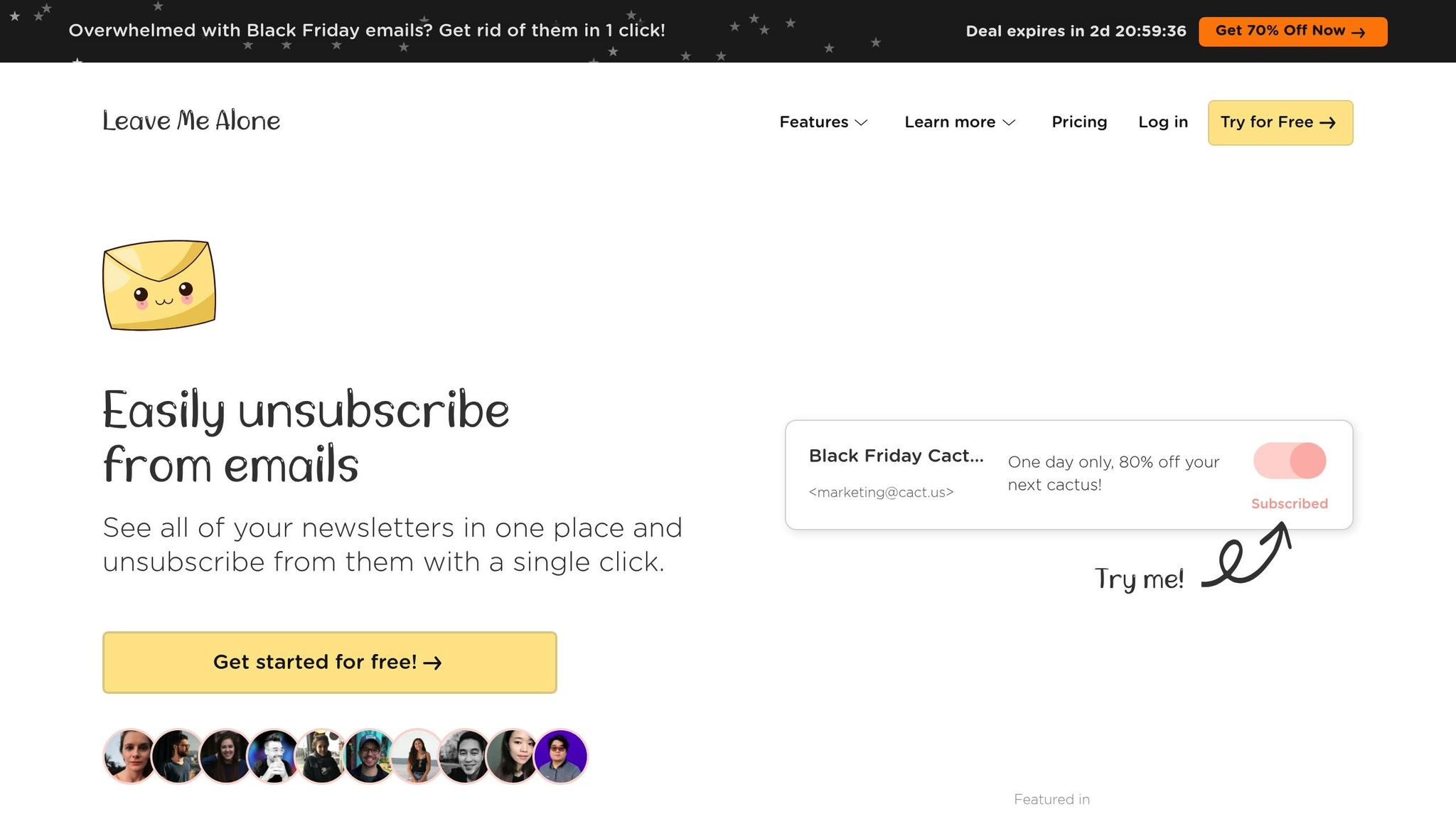
Leave Me Alone helps you cut through the clutter by focusing on unsubscribing from newsletters and marketing emails. Its clean dashboard makes it simple - connect your Gmail account, and the tool scans for subscriptions, presenting them in an easy-to-navigate list. With just one click, you can unsubscribe.
Instead of offering an unlimited free plan, Leave Me Alone uses a credit-based system. You pay for bundles of unsubscribes, which is great for a one-time cleanup. However, if you frequently sign up for newsletters, those costs can add up quickly.
Trimbox
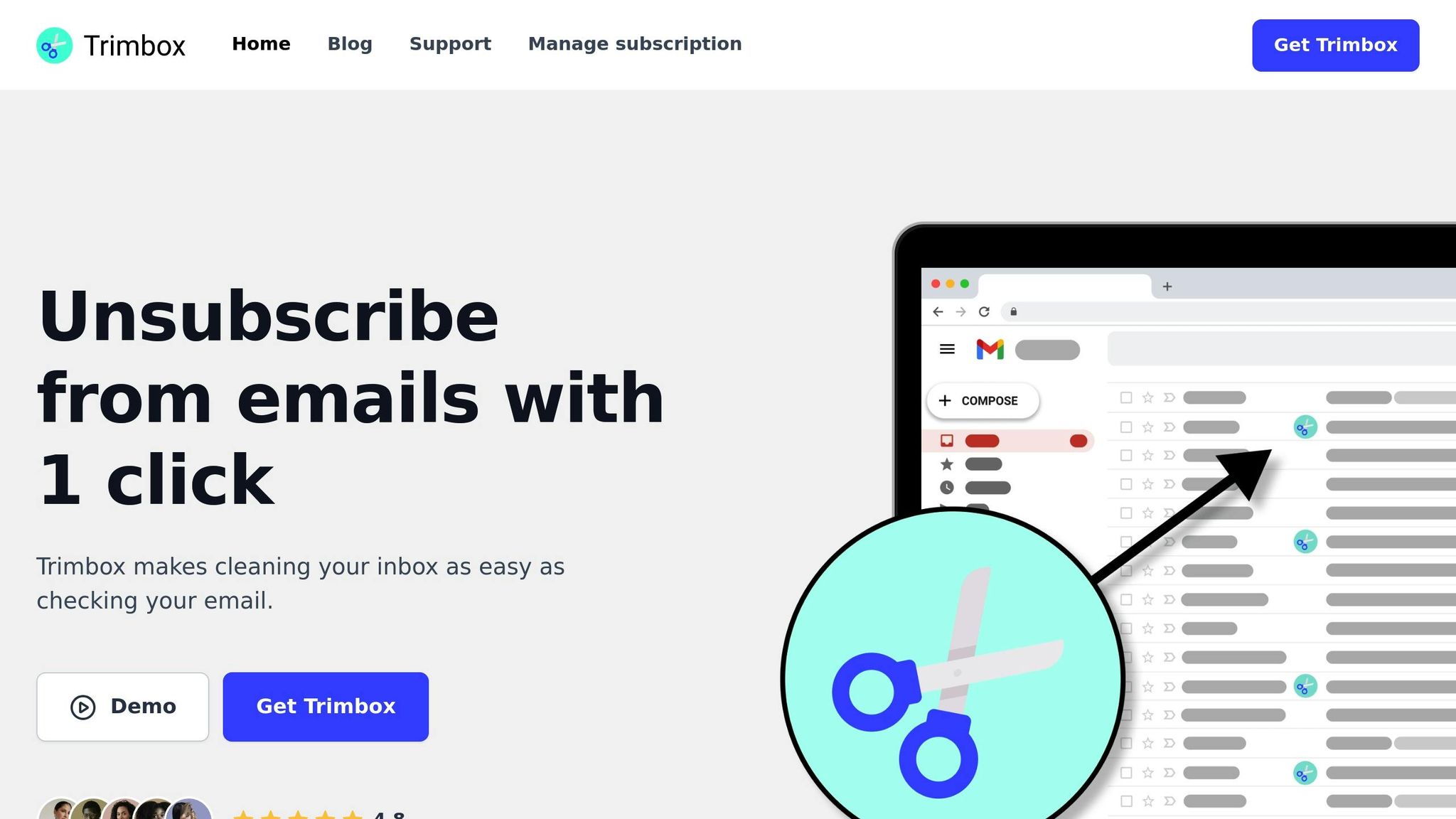
Trimbox integrates directly into Gmail as a Chrome extension, making it feel like a natural part of your inbox. It adds bulk-unsubscribe and bulk-delete buttons right in Gmail, so you can tidy up your inbox without switching platforms.
The free version lets you perform a limited number of actions, which works well for occasional cleanup. But if you’re dealing with thousands of emails or managing multiple accounts, you may need to upgrade. Keep in mind, Trimbox only works on Chrome for desktop, so it’s not ideal if you primarily use mobile or other browsers.
CleanFox
CleanFox takes a unique approach by combining inbox cleanup with environmental awareness. It helps you delete newsletters and promotional emails while also showing the estimated carbon footprint of your email storage. By clearing out these messages, you’re also reducing energy consumption.
The tool is free, but it operates through data analytics partnerships. This means anonymized data from your inbox might be used for market research. If privacy is a concern, it’s worth reviewing their policy before signing up.
UnrollMe
UnrollMe provides tools for unsubscribing, consolidating newsletters, and bulk-deleting old emails. Its standout feature is the Rollup, which allows you to group selected newsletters into a single daily email, keeping your inbox free from constant interruptions.
However, there’s a privacy tradeoff. UnrollMe makes money by analyzing anonymized commercial email data from your inbox and selling aggregated insights. If that’s a dealbreaker, you may want to consider other options.
SaneBox
SaneBox acts like a personal assistant for your inbox, using smart filters to sort emails into folders based on your habits. For example, less important emails go to "SaneLater", while newsletters are filed under "SaneNews", leaving your main inbox clutter-free.
While SaneBox offers a 14-day free trial, it’s primarily a paid service. If you’re looking for a long-term free solution, this might not be the best fit. But for those willing to pay, it provides powerful filtering and organizational tools.
Mailstrom
Mailstrom is ideal for bulk email management. It groups emails by sender, subject, date, and more, letting you delete or archive entire categories with a few clicks. This is especially helpful if you’ve accumulated thousands of emails and need to clean house quickly.
A free trial is available, but it limits how many emails you can process - only a few thousand of your most recent messages. Once you hit the cap, you’ll need to upgrade. Mailstrom is a solid choice for occasional large-scale cleanups.
AgainstData
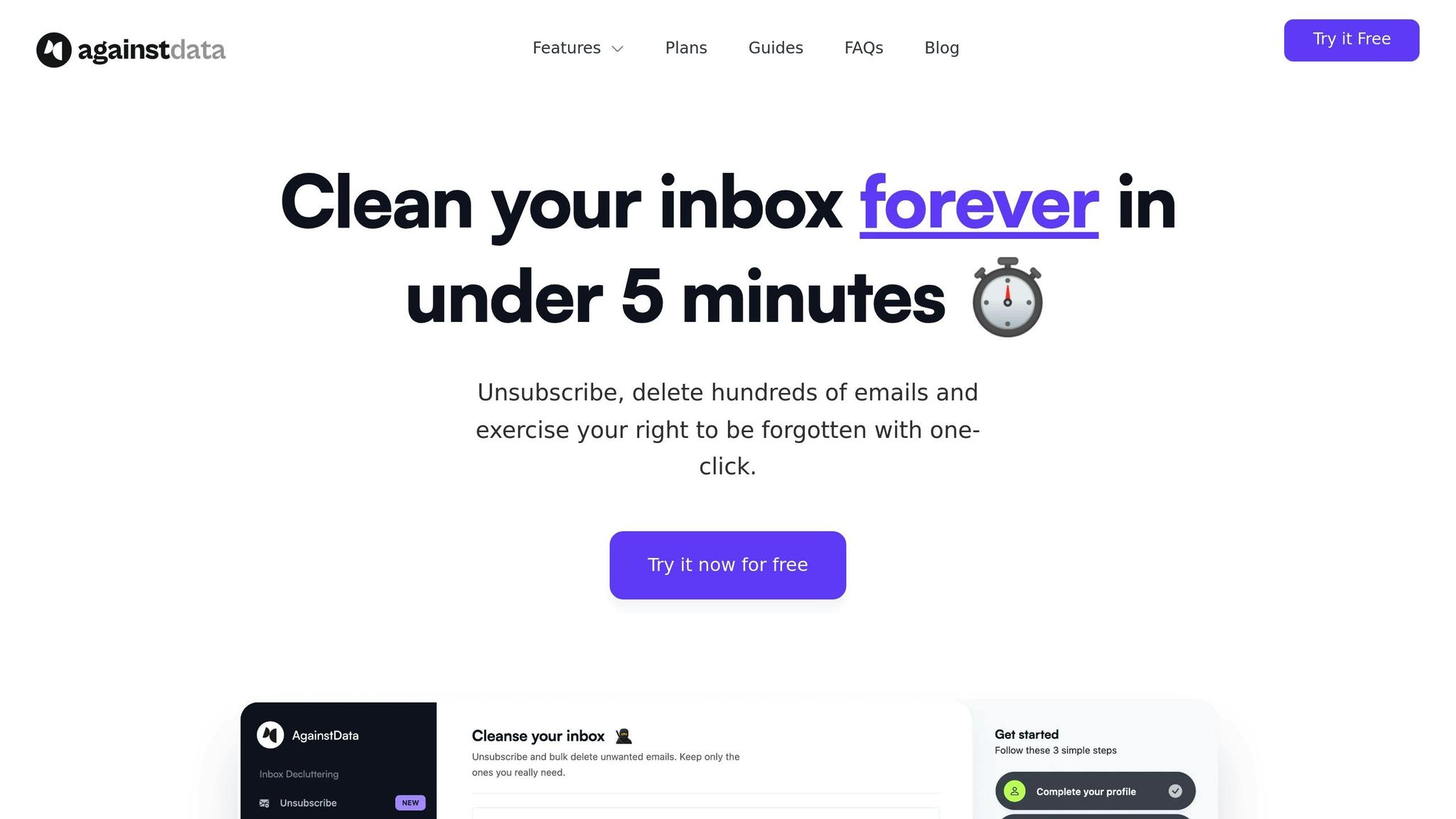
AgainstData prioritizes privacy and sustainability. The tool minimizes data retention, avoids monetizing your email content, and offers dashboards that show how your cleanup translates into CO₂ savings or energy reductions. It’s a great option for users who care about ethical data use and environmental impact.
Basic features are free, while premium tiers unlock advanced analytics. For U.S. Gmail users who value transparency and want to see the broader effects of their efforts, this tool stands out.
When deciding on a tool, think about your specific needs. If newsletters and marketing emails are your main issue, tools like Leave Me Alone, Trimbox, CleanFox, and UnrollMe can help you tackle them quickly. For ongoing automation, SaneBox offers advanced filtering, though it comes at a cost. If you’re looking for a one-time bulk cleanup, Mailstrom is a strong contender, while AgainstData is perfect for those who prioritize privacy and sustainability. With these options, along with the featured MailSweeper solution, you’re well-equipped to keep your Gmail clean and efficient.
Comparison of Free Email Cleanup Tools
For Gmail users looking for free ways to tidy up their inbox, the choice often comes down to integration, automation, and privacy. Some tools focus on seamless Gmail integration, while others emphasize privacy or offer more generous free plans.
Gmail integration varies across tools. MailSweeper keeps it simple with a Google sign-in and quick setup. Trimbox, a browser extension, adds cleanup buttons directly inside Gmail, making it feel like a native feature. On the other hand, SaneBox and Mailstrom use IMAP connections, which means they work with Gmail and other email providers.
Automation strength is another key difference. MailSweeper uses AI to sort out low-priority emails into a "Dustpan" label and automatically deletes them after 30 or 90 days. It avoids touching emails marked as important, starred, or in your primary inbox. SaneBox also relies on AI, organizing emails into folders like "SaneLater" or "SaneNews." Mailstrom takes a different approach, focusing on bulk actions - grouping emails by sender, subject, or date so you can archive or delete entire categories in one go. Meanwhile, tools like Leave Me Alone, Trimbox, CleanFox, and UnrollMe scan your inbox and let you manually manage subscriptions and newsletters. Each tool’s approach to automation sets the stage for comparing their free-tier offerings.
Free-tier limits can make or break your choice. MailSweeper skips a free tier entirely, offering lifetime access for a one-time fee of $16 to $20. UnrollMe is free but monetizes anonymized purchase data from your emails. CleanFox is also free, funded through data analytics partnerships. Leave Me Alone charges for unsubscribe bundles, making it ideal for occasional use but pricey for frequent cleanups. Trimbox’s free plan has limited actions, suitable for light use but not for large-scale inbox management. SaneBox and Mailstrom provide free trials - 14 days for SaneBox and up to 2,500 emails for Mailstrom - but both primarily operate as paid services. SaneBox starts at about $9.99 per month, while Mailstrom’s free tier is capped at managing 2,500 emails out of your most recent 5,000.
Storage impact depends on whether the tool focuses on clearing old emails or preventing future clutter. MailSweeper does both, steadily freeing up space by deleting low-priority emails over time. This can reclaim several gigabytes if your inbox is packed with promotional emails - helpful for avoiding Google storage fees. UnrollMe, Leave Me Alone, and CleanFox focus on slowing future clutter by unsubscribing you from newsletters but don’t automatically delete old emails unless prompted. Mailstrom excels at one-time bulk cleanups, while AgainstData combines cleanup with dashboards showing how your actions reduce CO₂ emissions or energy use.
Privacy models are a major point of differentiation. MailSweeper stands out with its CASA certification and a strict no-data-selling policy. AgainstData also prioritizes privacy by minimizing data retention and avoiding monetization of email content. SaneBox and Mailstrom process email headers and metadata for sorting but don’t sell your data or show ads. In contrast, UnrollMe and CleanFox are free because they analyze anonymized commercial email data for market research or purchasing trends. If you handle sensitive client data or simply value privacy, MailSweeper, SaneBox, or AgainstData might be better options.
Comparison Table
| Tool | Gmail Integration | Automation Strength | Free-Tier Limits | Storage Impact | Privacy Model |
|---|---|---|---|---|---|
| MailSweeper | OAuth (Google sign-in) | Fully automated; AI deletes old emails | No free tier; one-time purchase ($16–$20) | Prevents buildup and clears old emails | No data selling; CASA certified |
| Leave Me Alone | OAuth (web app) | Manual batch unsubscribes | Credit-based; pay per unsubscribe bundle | Slows future growth | No data selling |
| Trimbox | Chrome extension | Bulk-unsubscribe and bulk-delete buttons | Limited actions on free plan | Slows future growth | Not specified |
| CleanFox | OAuth (web app) | Manual batch unsubscribes and deletes | Free forever | Slows future growth | Anonymized data for market research |
| UnrollMe | OAuth (web app) | Unsubscribe, rollup, and bulk-delete | Free forever | Slows future growth | Analyzes anonymized purchase data |
| SaneBox | IMAP | Fully automated; AI sorts emails | 14-day free trial; then ~$9.99/month | Prevents buildup | No data selling; header processing |
| Mailstrom | IMAP | Bulk actions by category | Free trial (2,500 of latest 5,000 emails) | Strong for one-time bulk cleanup | Not specified |
| AgainstData | OAuth (web app) | Batch actions with CO₂ tracking | Basic features free; premium tiers available | Clears old emails and slows future growth | Minimizes data retention; no monetization |
When choosing a tool, think about what you need most. If you want a hands-off, automated solution, MailSweeper and SaneBox are excellent choices. Overwhelmed by newsletters? Tools like Leave Me Alone, Trimbox, CleanFox, or UnrollMe can help. For privacy-conscious users or those handling sensitive data, MailSweeper, SaneBox, or AgainstData offer peace of mind. And if you’re looking for a quick, large-scale inbox cleanup, Mailstrom’s bulk-delete features are hard to beat.
Start small by connecting one Gmail account and reviewing the privacy policy before diving in.
Choosing the Right Free Email Cleanup Tool
After comparing free email cleanup tools, let’s dive into how to pick the one that best suits your inbox needs. The right tool depends on the specific issues plaguing your inbox - whether it’s an overload of newsletters, a flood of outdated emails, or a mix of both. Here's how to make an informed choice.
Identify your inbox problem. If newsletters and subscriptions are your main issue, look for tools that excel at bulk cancellations. But if your inbox is crammed with thousands of old messages, you’ll need a cleaner that focuses on automation. For example, MailSweeper uses AI to identify low-priority emails, collect them under a "Dustpan" label, and delete them automatically after 30 or 90 days. This approach not only clears the backlog but also prevents future clutter without constant manual effort.
Prioritize privacy. Privacy should always be a top consideration when choosing an email cleanup tool. Make sure the tool only accesses metadata, doesn’t sell or aggregate your data, and employs encryption. For instance, while free tools like UnrollMe fund their operations by analyzing anonymized e-commerce data, others like MailSweeper explicitly avoid reading, storing, or selling your email information. MailSweeper even holds CASA certification to guarantee its commitment to privacy. If your inbox contains sensitive information, opt for tools with transparent policies and subscription-style business models.
Consider automation capabilities. Not all tools are equally automated. True automation means setting up rules that continuously clean your inbox without requiring manual input. Look for features that allow customization, such as auto-deleting emails based on sender, age, or size. MailSweeper, for instance, excludes starred or important emails while auto-deleting less critical ones. If you want a hands-off experience, focus on tools with robust, user-configurable automation.
Understand free-tier limitations. Free plans vary widely between tools. Some offer "free forever" plans but cap the number of emails you can manage - often between 1,000 and 2,500 - or limit automation features. Others provide full-featured trials for 14 days, after which subscriptions start at around $9.99 per month. MailSweeper offers a one-time payment option, costing $16 to $20 for lifetime access, making it a cost-effective choice if you frequently hit storage limits on platforms like Google.
Test before committing. Once you’ve narrowed down your options, start with a small-scale test. Connect just one Gmail account using OAuth, which you can revoke anytime through your Google Account settings. Begin by running scans on non-critical folders, like promotions or social categories, before enabling auto-deletion. Monitor the tool’s performance for a week to see if it meets your expectations and respects your existing labels and filters.
Ease of use is key. For long-term success, pick a tool that’s fast, intuitive, and integrates seamlessly with your existing workflow. Tools that feel like a natural extension of Gmail, rather than a separate system, are more likely to become part of your routine.
Start by defining your biggest inbox challenge, then shortlist a couple of tools that address that issue. Review their privacy policies, pricing, and features, and run a small pilot test. Once you’re satisfied with the tool’s performance, gradually expand its automation settings to cover more senders and categories. The goal is to find a solution that balances effective automation with strong privacy protections, creating a cleaner inbox with minimal ongoing effort.
FAQs
What should I know about privacy when using free email cleanup tools, and how is user data typically managed?
MailSweeper prioritizes your privacy while streamlining the process of managing your email inbox. It automatically identifies and periodically removes unimportant emails, helping you keep things organized without lifting a finger. Plus, it does all this securely, ensuring your data stays protected.
With no subscription required, MailSweeper not only reduces email storage costs but also saves you time and cuts down on digital clutter. It’s a simple, efficient solution for keeping your inbox tidy and stress-free.
How does AI in tools like MailSweeper make managing your inbox easier than doing it manually?
AI-driven tools such as MailSweeper make managing your inbox a breeze by automatically sorting and removing emails that don’t require your attention. This means you can skip the tedious task of sifting through endless messages and focus on what truly matters.
With its intelligent algorithms, MailSweeper helps cut down on digital clutter, saves on storage costs, and keeps your inbox neat with almost no effort on your part. It’s a simple yet effective solution to maintain control over your email without constant upkeep.
What should I consider when deciding between a free email cleanup tool and a paid option with extra features?
When choosing between free and paid email cleanup tools, it’s important to weigh your specific requirements and the level of functionality you need. Free tools are ideal for simple tasks like sorting and removing unnecessary emails, but paid options often come with extra perks like automation powered by AI, stronger security measures, or seamless integration with other platforms.
Consider how much time and storage you aim to save, along with whether you’ll benefit from ongoing support or personalized features. If you prefer a simple, one-time solution without a subscription, tools like MailSweeper can help tidy up your inbox efficiently without adding any extra hassle or cost.
More free Gmail tools.
Pair these together for a full inbox reset.
Bulk Unsubscribe from Gmail
See the senders flooding your inbox, ranked by volume — your shortlist for unsubscribes.
Open toolMass Delete Gmail Emails
Build a deletion plan by sender, date, label, or all-unread — with the exact Gmail search to run.
Open toolFind Large Emails in Gmail
Pick a size and we build the exact Gmail search to find your biggest emails — then open it in one click.
Open toolGmail Storage Cleanup
Move the slider to your current Gmail usage to see exactly what to delete to free space.
Open toolInbox Zero Score
Rate your inbox health on a 0–100 scale and see the weekly hours your inbox is costing you.
Open tool