
Email Management
Top AI Tools for Email Sorting in 2025
Compare top AI tools that auto-sort, prioritize, and clean inboxes—features, pricing, compatibility, and privacy to help you choose the right 2025 email manager.
Top AI Tools for Email Sorting in 2025
Email overload is a common problem in 2025, with professionals spending hours each week managing cluttered inboxes. AI email sorting tools are changing the game by automatically organizing, prioritizing, and filtering emails based on user habits. These tools save time, improve productivity, and ensure important messages stand out. Here's a quick look at the top AI tools for email management:
- Shortwave: Offers smart sorting, thread summaries, and AI-driven search. Syncs with Gmail and Outlook. Starts at $14/month.
- Clean Email: Focuses on bulk cleanup, smart filters, and privacy. Works with major email providers.
- Spark: Prioritizes emails and provides AI-generated replies. Includes collaboration features. Free and Pro plans available ($10/month).
- NewMail: Automatically categorizes emails into tiers like "Urgent" or "Action" and drafts replies in your tone. Pricing available on their website.
- SaneBox: Moves non-essential emails to folders like "SaneLater" and offers reminders and unsubscribe tools. Plans start at $7/month.
- MailSweeper: Deletes unimportant emails to free up space. One-time pricing of $16 or $20.
- EmailTree.ai: Tailored for enterprises, it automates responses and email routing. Pricing tailored for businesses.
Each tool offers unique features, from privacy-focused sorting to advanced team collaboration. Whether you're a freelancer, executive, or part of a large organization, there's an AI tool to match your needs.
Quick Comparison
| Tool | Key Features | Pricing | Best For |
|---|---|---|---|
| Shortwave | Smart sorting, thread compression | $14/month | Professionals needing AI search |
| Clean Email | Bulk cleanup, privacy-first sorting | Subscription | Users with cluttered inboxes |
| Spark | Email prioritization, collaboration | $10/month | Teams and individuals |
| NewMail | Tiered categorization, tone-matching | Check website | Professionals managing volume |
| SaneBox | Folder-based sorting, reminders | $7/month | Inbox organization |
| MailSweeper | Deletes unnecessary emails | $16/$20 one-time | Reducing storage costs |
| EmailTree.ai | Enterprise automation, shared inboxes | Custom pricing | Large-scale organizations |
Choose a tool based on your email habits, platform compatibility (Gmail, Outlook, etc.), and budget. Start with free trials to find the best fit for your workflow.
Best AI Tools for Email Management
How AI Email Sorting Works
AI email sorting leverages machine learning to organize emails based on factors like importance, sender, content, and user behavior. Unlike traditional filters that rely on fixed rules, these systems continuously learn and adapt to your preferences, improving their accuracy over time.
At its core, AI sorting combines machine learning, natural language processing (NLP), and behavioral analysis. Machine learning identifies patterns in your email habits, such as recognizing frequent communication with certain senders, detecting urgency in message content, or categorizing emails based on your preferences. The more you interact with your inbox, the more precise the system becomes at understanding what matters most to you.
NLP plays a key role by analyzing the context and sentiment of emails. This allows the system to categorize messages more accurately, reducing errors and tailoring sorting decisions to the specific needs of each email. For example, it can differentiate between a casual message and one requiring immediate attention based on tone and keywords.
Behavioral analysis tracks how you interact with emails - whether you respond, ignore, flag, or archive them. Over time, the system learns your patterns. If you consistently prioritize emails from certain clients, the AI will mark those senders as important. On the other hand, if you habitually delete promotional emails from a specific retailer, the system will automatically filter similar messages out of your primary inbox.
One of the standout features is adaptive categorization. When you move an email to a folder or apply a label, the system takes note and uses that action to guide future sorting. This happens seamlessly in the background, eliminating the need for manual rule updates.
These technologies bring noticeable efficiency improvements through features like smart prioritization, which highlights key senders, and automatic organization of less important emails into dedicated folders. Some platforms even offer thread summarization, turning lengthy email chains into quick, digestible summaries.
More advanced AI email tools go beyond basic sorting. They can handle complex workflows, such as routing emails with keywords like "billing" or "support" to specific team members. Others integrate with project management tools and calendars, automating tasks like scheduling or assigning emails. For shared inboxes, AI systems offer features like task assignment and shared views, streamlining team collaboration and reducing duplicated efforts.
For users concerned about privacy, some AI tools categorize emails without accessing their content. Instead, they rely on sender information and subject lines to sort messages. These tools are designed with security in mind, making them ideal for organizations handling sensitive data. Leading platforms often include robust security measures, such as SOC II or HIPAA compliance, to ensure user data remains protected.
| Feature | Traditional Static Filters | AI-Powered Dynamic Sorting |
|---|---|---|
| Customization | Fixed rules for all users | Learns and adapts to individual preferences |
| Learning Capability | No learning; rules stay static | Continuously improves with usage |
| Content Analysis | Limited to sender/subject lines | Analyzes context using NLP |
| Accuracy | Manual updates required | Automatically refines over time |
| Prioritization | Basic categorization | Smart prioritization based on importance |
This shift from static filters to AI-driven sorting is a game-changer for email management. Instead of spending time creating rules for every scenario, AI observes how you naturally handle emails and replicates those patterns automatically. These advanced capabilities pave the way for a closer look at some of the top AI email sorting tools available today.
1. Shortwave

Shortwave stands out as an AI-powered email client that simplifies email management with smart sorting and efficient tools, making inbox overload a thing of the past.
Built by former Google engineers, Shortwave is designed to transform how you handle emails. It automatically organizes messages, improves search functionality, and even drafts replies that are tailored to the context of your conversations.
AI Sorting Capabilities
At the heart of Shortwave is its ability to use machine learning for organizing and prioritizing emails. One standout feature is thread compression, which condenses lengthy email chains into concise summaries, allowing you to grasp the key points without wading through endless replies. Its AI-driven search is another game-changer, going beyond basic keyword searches to understand the context and intent behind your queries. This means you can find that one elusive email even if you don’t remember exact details. On top of that, the smart replies feature offers personalized suggestions for responses, making it quicker and easier to keep conversations flowing.
Platform Compatibility
Shortwave integrates seamlessly with Gmail and Outlook, syncing effortlessly with Google Calendar. It’s available on both desktop and mobile platforms, ensuring you can manage your inbox wherever you are.
Pricing Model
For those looking to try it out, Shortwave provides a free tier. If you need more advanced features, paid plans start at approximately $14 per user per month.
Key Features
Beyond its core capabilities, Shortwave includes handy extras like email reminders, follow-up tracking, and tools for inbox collaboration - perfect for shared accounts. The AI also adapts to your habits over time, continuously improving how it organizes, searches, and suggests replies to fit your unique workflow.
2. Clean Email
Clean Email is designed to simplify inbox management for anyone dealing with email overload. It works seamlessly with a variety of email providers, including Gmail, Outlook, Yahoo, iCloud Mail, AOL, and any IMAP account. Best of all, it integrates directly into your existing email setup, so there’s no need to switch email clients. With its sleek interface and dedicated mobile apps for iOS and Android, Clean Email delivers professional-level email organization whether you’re at your desk or on the go.
Here’s a closer look at how Clean Email’s AI-powered tools take inbox organization to the next level.
AI Sorting Capabilities
Clean Email goes beyond basic filtering rules by using AI to learn how you manage your emails. Its Smart Views feature groups similar messages, making it easy to archive or delete them in bulk. The Auto Clean function applies rules in the background to sort newsletters, promotional emails, and other low-priority content automatically. It even identifies key urgency signals to highlight important messages. Plus, the one-click Unsubscriber feature makes it simple to stop receiving emails from persistent senders.
These intelligent tools are available across all your devices, ensuring a smooth experience no matter where you are.
Platform Compatibility
Whether you’re working on a desktop or managing emails on the go, Clean Email is built for both. You can respond to emails directly from its platform while continuing to use your favorite email app for everything else.
Pricing Model
Clean Email is quick to set up and starts organizing your inbox right away. For the latest pricing details, visit the Clean Email website.
Key Features
Clean Email offers an array of tools to keep your inbox tidy with minimal effort. Its Smart Filters let you group emails by sender, keywords, or categories, while the one-click unsubscribe and block features help you get rid of unwanted senders instantly. The platform prioritizes privacy, using metadata to organize your emails instead of reading their content. With auto-archiving for related conversations and customizable automation rules, Clean Email makes maintaining a clean inbox simple and efficient.
3. Spark
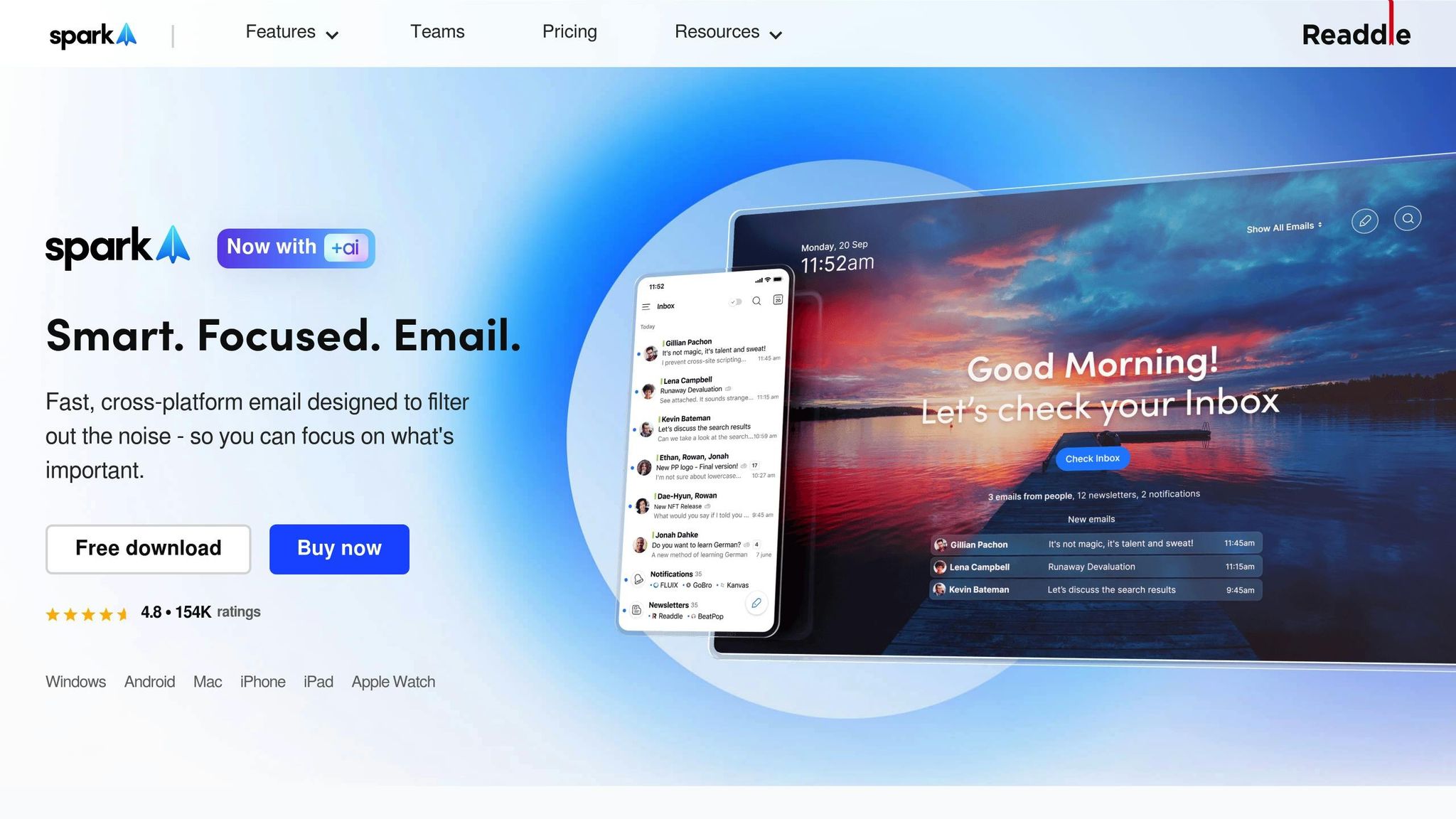
Spark is an email assistant powered by AI, designed to make managing your inbox simpler and more efficient. It prioritizes your emails by rearranging your inbox to spotlight what matters most, reducing distractions, and letting you sort through messages with just one click.
AI Sorting Capabilities
Spark's AI Feed analyzes your email habits to bring critical conversations and VIP senders to the forefront. Plus, its AI Message feature crafts replies that fit the context and adapt over time, helping your responses feel natural and personal. This smart functionality ensures a smooth experience across all your devices.
Platform Compatibility
Spark is compatible with Gmail and Outlook, and it works seamlessly across desktop, web, and mobile platforms. Your emails stay synced no matter where you check them.
Pricing Model
For individual users and small teams, Spark offers a free plan packed with useful features. If you need more advanced tools, the Pro plan is available for $10 per user per month.
Key Features
Spark also includes built-in collaboration tools like shared notes, video calls, and collaborative documents, making it easier to streamline your workflow. Its user-friendly design ensures you can dive right in without spending time learning complex controls.
4. NewMail
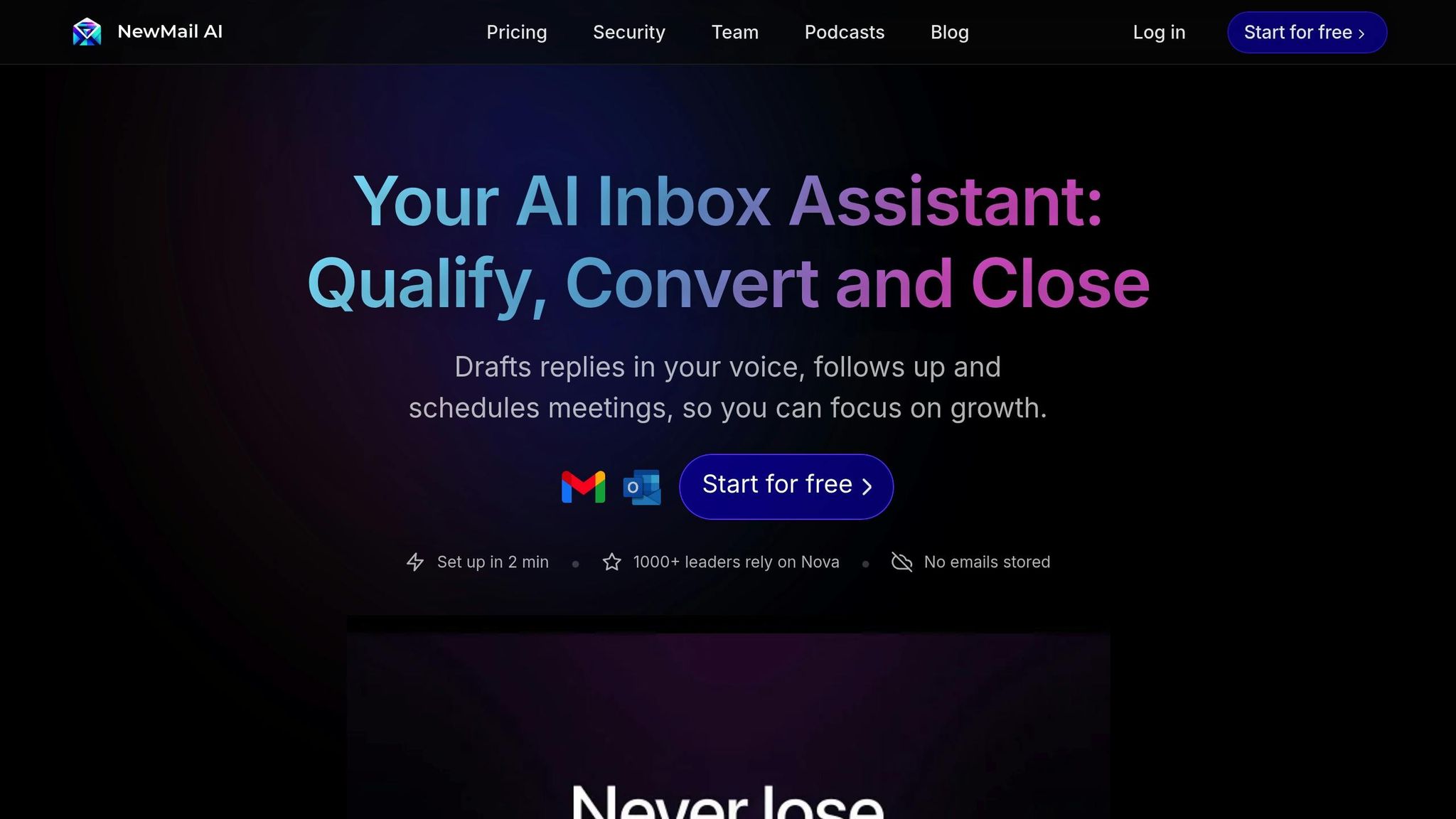
NewMail is designed for those who want a smarter, more automated way to manage their inbox without the hassle of technical setup. It connects directly to your Gmail account and starts organizing your emails right away. Let’s take a closer look at how it works.
AI Sorting Capabilities
NewMail’s AI takes the guesswork out of managing your inbox. It categorizes emails into four main tiers: Urgent, Important, Interesting, and Action. Alongside this, it filters out marketing emails and spam, ensuring your inbox remains clutter-free. To keep you on top of things, it also provides daily briefing summaries. Over time, as the AI learns your communication habits and tone, it gets better at identifying what deserves your attention first.
Platform Compatibility
Getting started with NewMail is a breeze. It integrates seamlessly with Gmail, requiring only your login credentials to connect. There’s no need to configure complex rules or go through long setup processes. Once connected, NewMail starts organizing your inbox almost instantly.
Pricing Model
You can find detailed pricing information directly on the NewMail website.
Key Features
One of NewMail’s standout features is its ability to draft replies that match your personal tone. Whether you write formally or prefer a more casual style, the AI adapts to how you communicate - saving you time and ensuring consistency. This feature is especially helpful for professionals juggling a large volume of emails. With NewMail’s “set it and forget it” approach, you can skip the tedious task of creating filters or manually adjusting settings, making it a practical choice for anyone looking to streamline their email management.
5. SaneBox
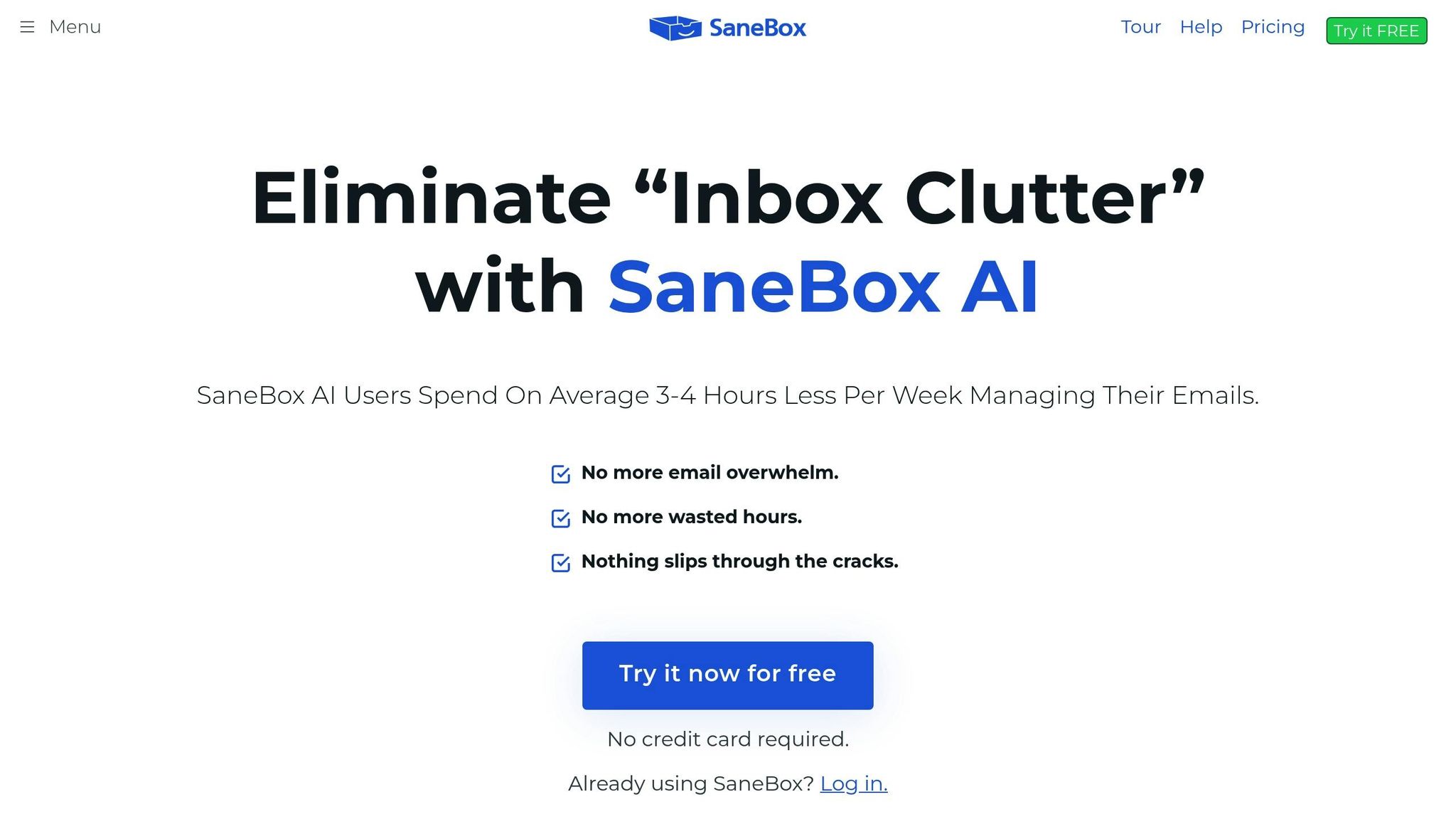
SaneBox is a well-regarded tool in the realm of AI-powered email organization, focusing specifically on taming cluttered inboxes with smart sorting and filtering techniques. Instead of trying to handle every aspect of email management, it zeroes in on what matters most: keeping your inbox streamlined and manageable. If you're drowning in emails, SaneBox offers an automated way to regain control.
AI Sorting Capabilities
At the heart of SaneBox is its machine learning system, which observes your email habits to create a personalized priority map. This forms the basis of its SaneFolds system. It automatically categorizes emails, moving less urgent ones to folders like SaneLater for non-critical messages and SaneNews for newsletters. Meanwhile, important emails from key contacts stay front and center in your main inbox. Over time, the system gets smarter, adapting to your preferences and ensuring that distractions - like promotional emails or notifications - are neatly sidelined.
Pricing Model
SaneBox offers flexible pricing to fit different needs. Plans start at $24 per year, with monthly options available at $7. To help you decide if it’s the right fit, SaneBox includes a 14-day free trial, giving you time to see how well it adapts to your email habits before you commit.
Key Features
SaneBox doesn’t just sort your inbox; it adds tools to make email management even easier. Here’s what stands out:
- SaneReminders: This feature ensures you never forget to follow up on important emails by resurfacing them at the right time.
- SaneBlackhole: Tired of spam or unwanted senders? Drag their emails into the SaneBlackhole folder, and you’ll never hear from them again.
- Unsubscribe Tool: Quickly cut down on unwanted emails by unsubscribing from newsletters and spam with minimal effort.
- Daily Email Digest: Receive a summary of non-urgent emails in one batch, so you can handle them on your own schedule instead of being interrupted throughout the day.
- Automated Actions: Based on your habits, SaneBox can snooze, archive, or flag emails automatically, saving you even more time.
While SaneBox’s simple interface is a big draw for users who prefer minimalism, it may feel a bit limited if you’re looking for detailed analytics about your email habits. The good news? The system is easy to use, and after a few days of learning your preferences, SaneBox becomes a reliable ally in keeping your inbox organized and stress-free.
sbb-itb-34b9fd2
6. Jotform Gmail Agent

Jotform Gmail Agent is still somewhat of a mystery in the world of AI email sorting tools. While Jotform is well-known for its form-building and workflow automation capabilities, details about this specific tool are sparse. The name suggests a focus on Gmail, but beyond that, there’s little verified information about its features, pricing, or functionality. Without clear documentation or extensive reviews, it’s hard to gauge how it stacks up against more established tools.
Platform Compatibility
From its name, it’s clear that Gmail is the primary platform for Jotform Gmail Agent. However, there’s no official confirmation on whether it supports other email services, leaving its compatibility somewhat uncertain.
Current Status
Jotform Gmail Agent hasn’t made waves in major reviews or tech discussions. This could mean it’s either a relatively new offering or simply a niche feature within Jotform’s larger suite of tools. For the most accurate and up-to-date information, visiting Jotform’s official website is your best bet.
7. Buzz Mail
Buzz Mail, created by Hive, is an AI-driven email organizer designed to tackle inbox overload in today’s busy work settings. While its goal of streamlining email management sounds promising, concrete details about its functionality, supported platforms, and pricing remain unclear. Early descriptions suggest features like smart email filtering and tools for team collaboration, but there’s limited independent information to verify these claims. For the most accurate and up-to-date information, it’s best to check directly with Hive.
8. EmailTree.ai
For organizations overwhelmed by a flood of emails, efficient management is a game-changer. EmailTree.ai steps in as an enterprise-focused email automation platform, designed to handle large volumes of emails with ease. It’s especially useful for customer service teams, government agencies, and large-scale organizations, offering AI-driven automation and collaborative workflows to streamline operations.
AI Sorting Capabilities
The platform excels at categorizing customer inquiries with impressive precision. France-Diane Hardy, Customer Relationship Director at Orange Luxembourg, shared that EmailTree.ai achieved a 95% recognition accuracy, enabling teams to respond five times faster. This level of accuracy not only optimizes communication but also significantly reduces response times. Plus, its AI capabilities integrate effortlessly with major email platforms, making it a versatile tool.
Platform Compatibility
EmailTree.ai ensures seamless integration with popular email platforms. For Gmail users, it offers both a dedicated Gmail App and a Chrome Extension. Outlook users, on the other hand, can benefit from an Outlook add-in. This compatibility highlights its focus on meeting the needs of enterprise-level users.
Key Features
EmailTree.ai is packed with features that make it stand out in the realm of email management. These include:
- Shared workspaces for team collaboration
- A unified inbox for better organization
- Customizable workflows to suit specific needs
- On-premise deployment options for enhanced security
Fabien Bévis, Business Transformation Manager, praised the platform, saying:
"EmailTree has given us a real competitive advantage in our market as we improved our productivity by 30% and above all, we enhanced the working life of our employees."
- Fabien Bévis
Jme Thomas, Executive Director, also highlighted the platform's impact:
"EmailTree has made it possible for us to respond faster, more efficiently and with greater consistency. We highly recommend EmailTree as a solution for your customer service needs!"
Pricing Model
EmailTree.ai offers trial options like "Start Free Trial" and "Try AI Email Assistant Free", giving organizations a chance to explore its capabilities before committing. However, detailed pricing for ongoing subscriptions isn’t publicly available. This approach is typical for enterprise solutions, where costs are tailored based on the size and specific needs of the organization.
For businesses dealing with large volumes of customer emails and requiring effective team collaboration, EmailTree.ai provides automation tools designed to meet enterprise demands. Its feature set and proven results make it a standout choice among AI email management tools in 2025.
9. MailSweeper
Is your inbox overflowing with promotions, calendar invites, and notifications? MailSweeper steps in to tackle the mess by automatically deleting unimportant emails, freeing up space and keeping your inbox tidy. Unlike tools that simply organize emails into folders, this AI-powered solution identifies and removes unnecessary messages on a regular basis, giving you a cleaner and more streamlined email experience.
Smart AI Sorting
MailSweeper uses AI to learn what’s important to you through a quick setup questionnaire. Based on your preferences, it identifies emails that are low-priority and moves them to a "Dustpan" folder for scheduled deletion. The best part? It ensures that starred, primary, and important emails are never touched. If you want to save a message, just remove the "Dustpan" label, and it’s safe.
Works Seamlessly with Gmail
MailSweeper is designed specifically for Google accounts, seamlessly integrating with Gmail. It’s CASA certified and follows a strict privacy policy, meaning it doesn’t read, store, or sell your email data. For those who value privacy, this makes MailSweeper a secure and trustworthy choice.
Why Users Love MailSweeper
- Impactful Results: MailSweeper has deleted over 2.9 million emails, saved 213 GB of storage, and reduced carbon emissions by 97.05 kgCO2e.
- Cost Savings: By clearing out unnecessary emails, many users have been able to downgrade from paid Gmail storage plans to free tiers.
- Quick Setup: The entire process takes just a few minutes. Once set up, MailSweeper works quietly in the background, letting you focus on what’s important.
Affordable One-Time Pricing
MailSweeper offers a simple pricing structure with no ongoing fees. Choose the Early Bird option for $16 (limited availability) or the Personal plan for $20. For those looking to declutter their inbox and save on storage costs, it’s a practical and affordable solution.
Tool Comparison Table
Here’s a quick look at how various email management tools stack up in terms of AI features, compatibility, pricing, target audience, and what makes each one stand out.
| Tool | Primary AI Capabilities | Platform Compatibility | Pricing | Best For | Key Differentiator |
|---|---|---|---|---|---|
| Clean Email | Bulk cleanup and smart filtering by sender and keywords | Gmail, Outlook, and other providers | Subscription-based | Users with massive inbox backlogs | Focuses on privacy by avoiding email content scanning |
| SaneBox | Automatic sorting, prioritization, and VIP sender identification | Compatible with any email client (iOS, Android, desktop, webmail) | Free with optional premium features | Those overwhelmed by inbox stress | Highlights key emails while organizing newsletters |
| Buzz Mail | AI filtering, personalized prioritization, thread summaries, and collaboration tools | Works across all major email providers | Free | Teams managing shared inboxes | Blends AI-driven insights with team collaboration |
| EmailTree.ai | AI-generated response suggestions and automated email routing | Gmail and Outlook | Subscription-based | Customer support teams | Simplifies email workflows with routing and responses |
| MailSweeper | Identifies and deletes unimportant emails via a "Dustpan" folder | Supports Google accounts (Gmail) | One-time fee: $16 (Early Bird) or $20 (Personal) | Users cutting storage costs and clutter | One-time purchase aimed at deletion, not organization |
This table gives a clear snapshot of how each tool leverages AI to manage your inbox, making it easier to find the one that fits your needs.
Conclusion
Choosing the right AI email tool depends largely on your email habits and what you need most. If you're managing a flood of emails daily, you'll benefit from advanced filtering and triage features. On the other hand, if your goal is simply to declutter your inbox, a straightforward and easy-to-use solution might be your best bet.
The tools we've discussed cater to a variety of users. Some are designed for speed and efficiency, perfect for busy executives juggling countless tasks. Others are built for teams, offering shared inboxes and collaboration tools. Then there are those that focus on bulk cleanup - ideal for tackling an overflowing inbox. For instance, MailSweeper stands out with its affordable one-time fee ($16 for Early Bird, $20 for Personal), helping users cut storage costs and clear digital clutter effectively.
Before making a decision, think about your email volume and how you use it. Do you need features like advanced filtering, drafting assistance, or team collaboration tools with shared views and assignments? Also, check that the tool integrates seamlessly with your email platform - whether it’s Gmail, Outlook, or Apple Mail - and any other apps you rely on for productivity. Cost and privacy are key considerations, too. Look for tools that balance affordability with robust privacy protections, such as local AI processing or clear policies against storing or selling your email data.
Budget is another factor to weigh. Consider the time you'll save versus the cost of the tool. For example, if a solution saves you four hours a week and your time is worth $50 an hour, even a $20 monthly subscription pays for itself in no time. For privacy-conscious users, prioritize tools that ensure your data stays secure and private.
Take advantage of free trials or basic plans to test how well a tool fits into your routine. Give it a few days to adapt to your preferences and ensure it genuinely reduces your workload rather than adding more complexity. The right AI email tool should make your life easier - helping you reclaim valuable time, streamline communication, and even cut down on storage costs.
FAQs
How do AI tools like MailSweeper adapt to your email preferences over time?
MailSweeper leverages AI to understand your email habits by observing how you manage your inbox. With time, it gets better at spotting emails that don't require your attention, keeping your inbox tidy and free of distractions. Plus, you can fine-tune its performance by answering a few quick customization questions, helping it adapt to your unique preferences even more effectively.
What should I look for in an AI tool to organize my emails effectively?
When choosing an AI email sorting tool, look for features that can help you save time and declutter your inbox. For instance, tools like MailSweeper can automatically detect and remove unimportant emails, making it easier to keep your inbox organized. It's also worth considering how the tool can help lower email storage expenses and simplify your daily workflow, whether for personal or professional tasks.
How do AI email tools protect user data while organizing inboxes?
MailSweeper is designed with user privacy and security at its core. Unlike subscription-based services, it operates on a simple one-time purchase model. This means there are no recurring data transfers or ongoing access to your sensitive information. The tool works seamlessly to identify and eliminate unnecessary emails, helping you clean up your inbox while safeguarding your data and cutting down on storage expenses.
More free Gmail tools.
Pair these together for a full inbox reset.
Bulk Unsubscribe from Gmail
See the senders flooding your inbox, ranked by volume — your shortlist for unsubscribes.
Open toolMass Delete Gmail Emails
Build a deletion plan by sender, date, label, or all-unread — with the exact Gmail search to run.
Open toolFind Large Emails in Gmail
Pick a size and we build the exact Gmail search to find your biggest emails — then open it in one click.
Open toolGmail Storage Cleanup
Move the slider to your current Gmail usage to see exactly what to delete to free space.
Open toolInbox Zero Score
Rate your inbox health on a 0–100 scale and see the weekly hours your inbox is costing you.
Open tool